01 · Subject & Anchors
Name who or what owns the frame and which visual details must stay locked—wardrobe, bottle geometry, facial silhouette, or prop placement in Happy Wan.
Claim 50 free credits · Check in for up to 100 weekly
Browse free Happy Wan prompts for AI video. Find ready-to-edit directions for camera movement, product reveals, character moments and cinematic landscapes.
Describe what you want, and AI will generate professional prompts for you.
Start every video prompt with one clear physical action, then layer camera choreography, lighting direction, and sound cues.
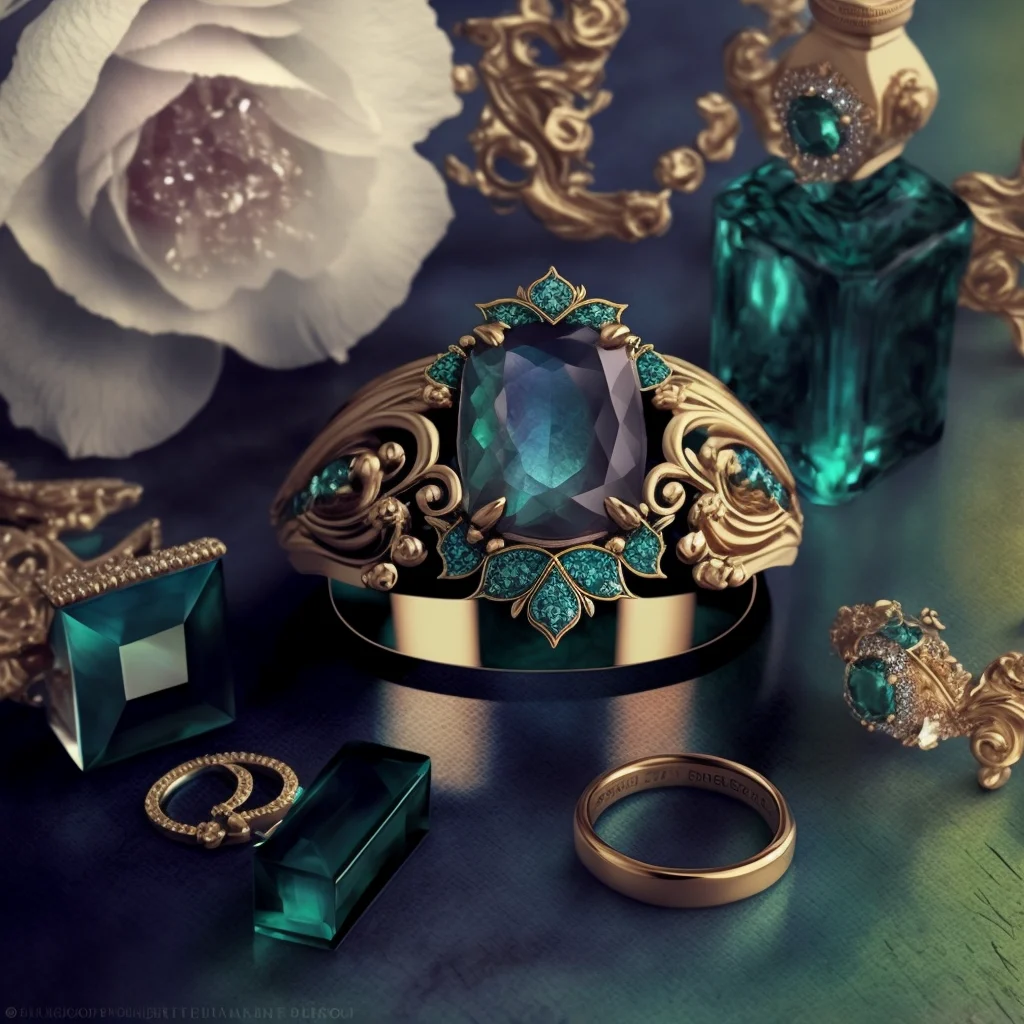
Emerald jewelry and a cream rose on dark cloth. Push in slowly and let a highlight sweep across the emerald.
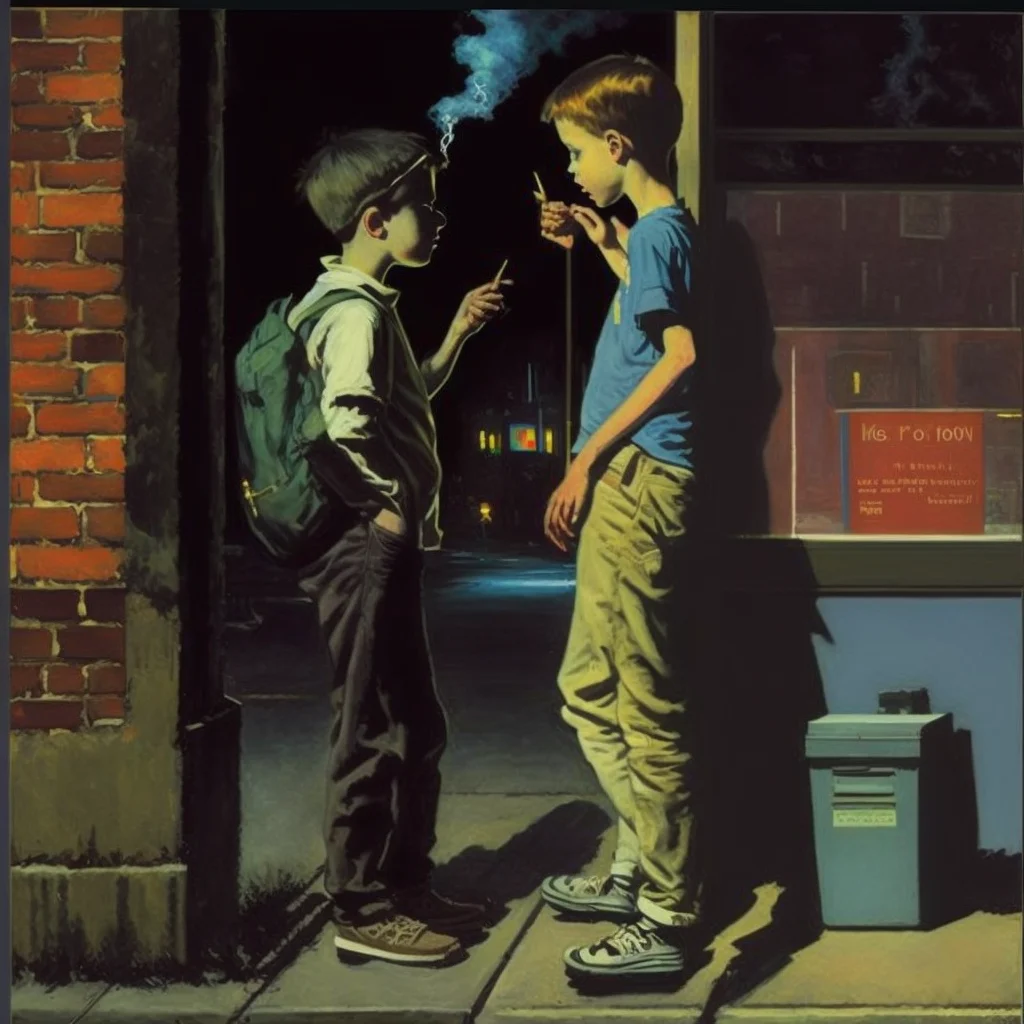
Two people meeting in a shadowed doorway. Hold a wide shot as two figures stop in the doorway.
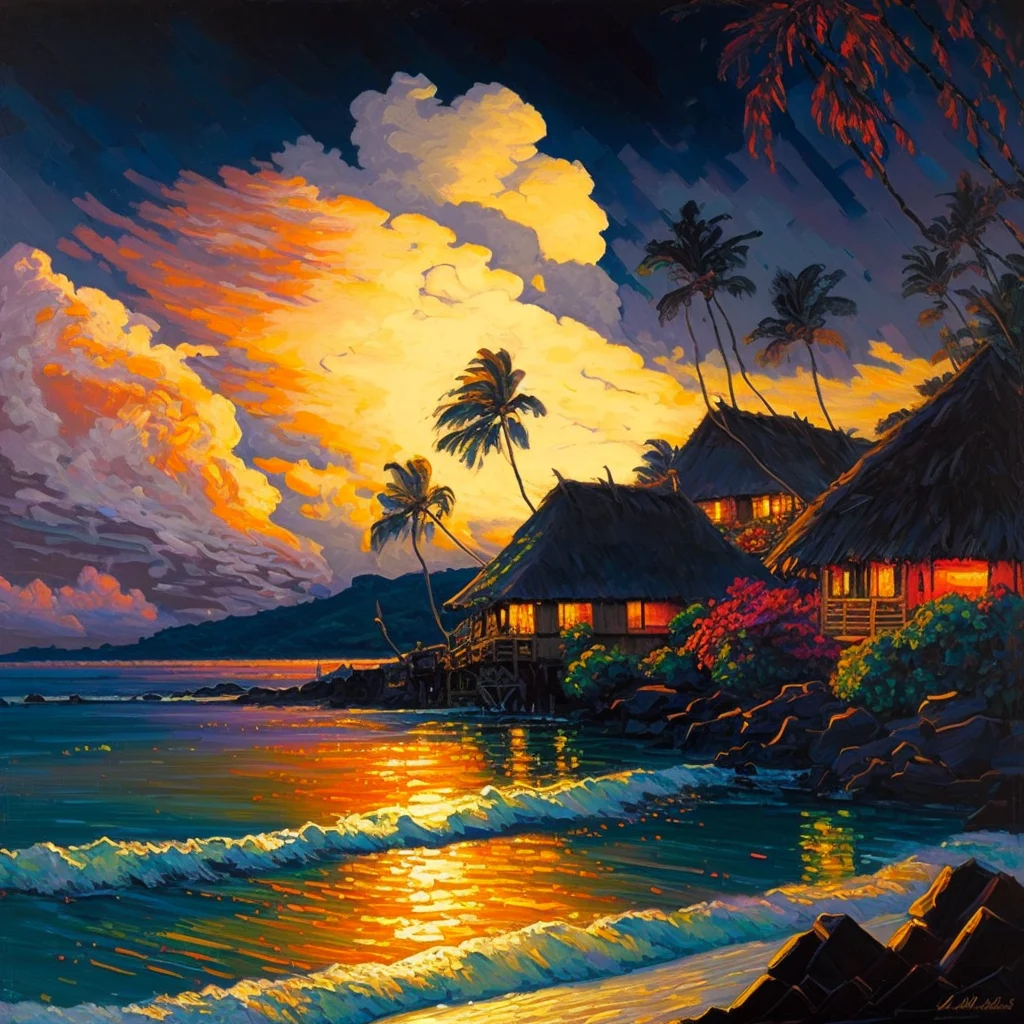
Golden clouds reflected in the sea in a coastal illustration. Track along the coast as gold reflections break across the waves.
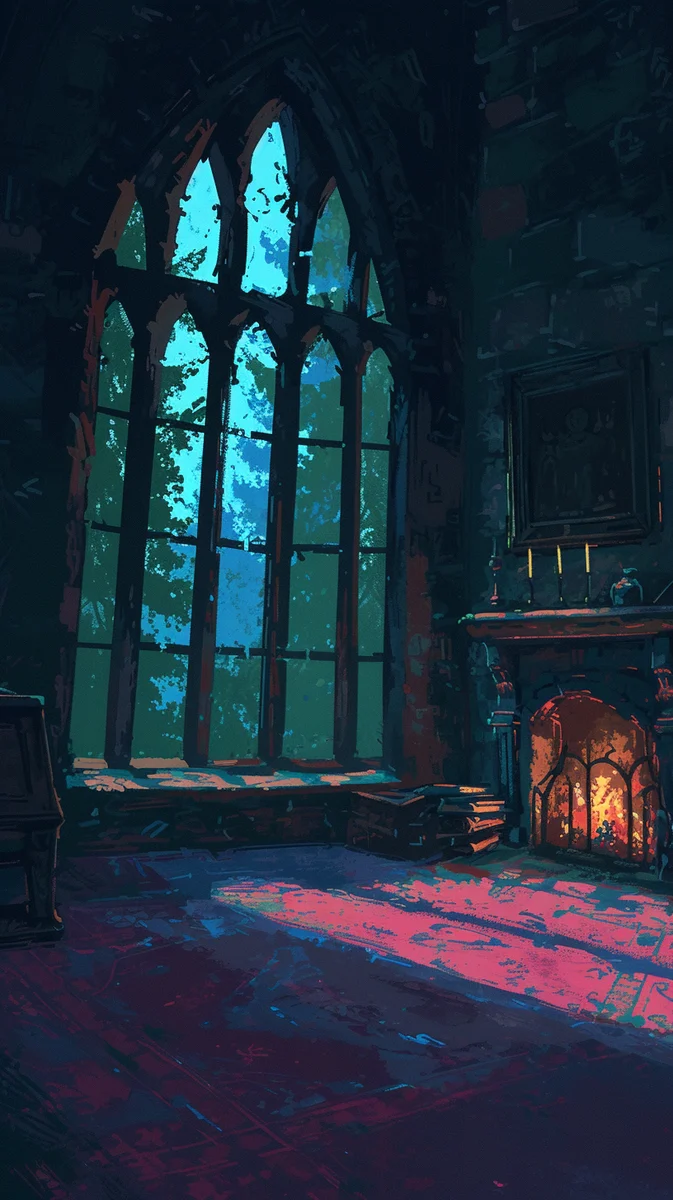
A dark room lit by a tall window and fireplace. Pan from the high window to the fireplace as the fire flickers.
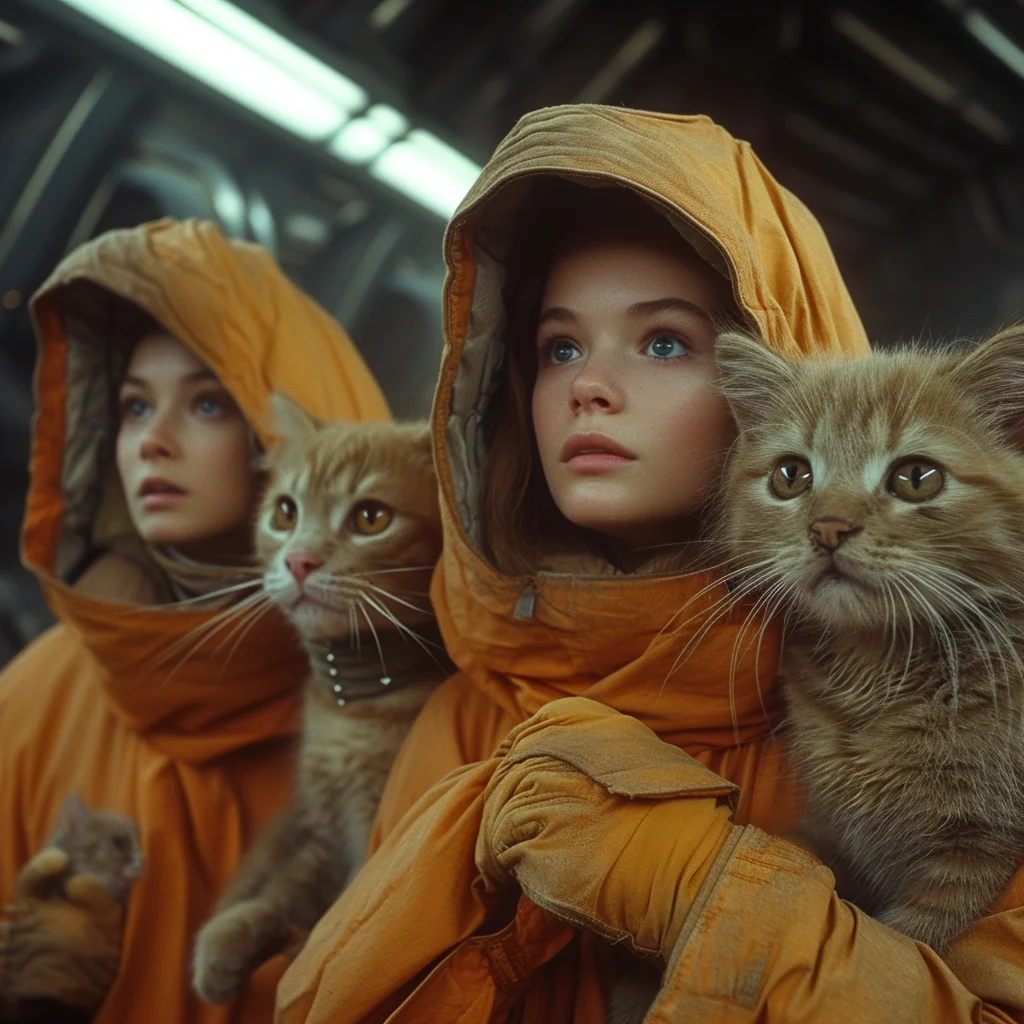
Two people in yellow raincoats holding cats. Rise to eye level and reveal the cats under the yellow hoods.
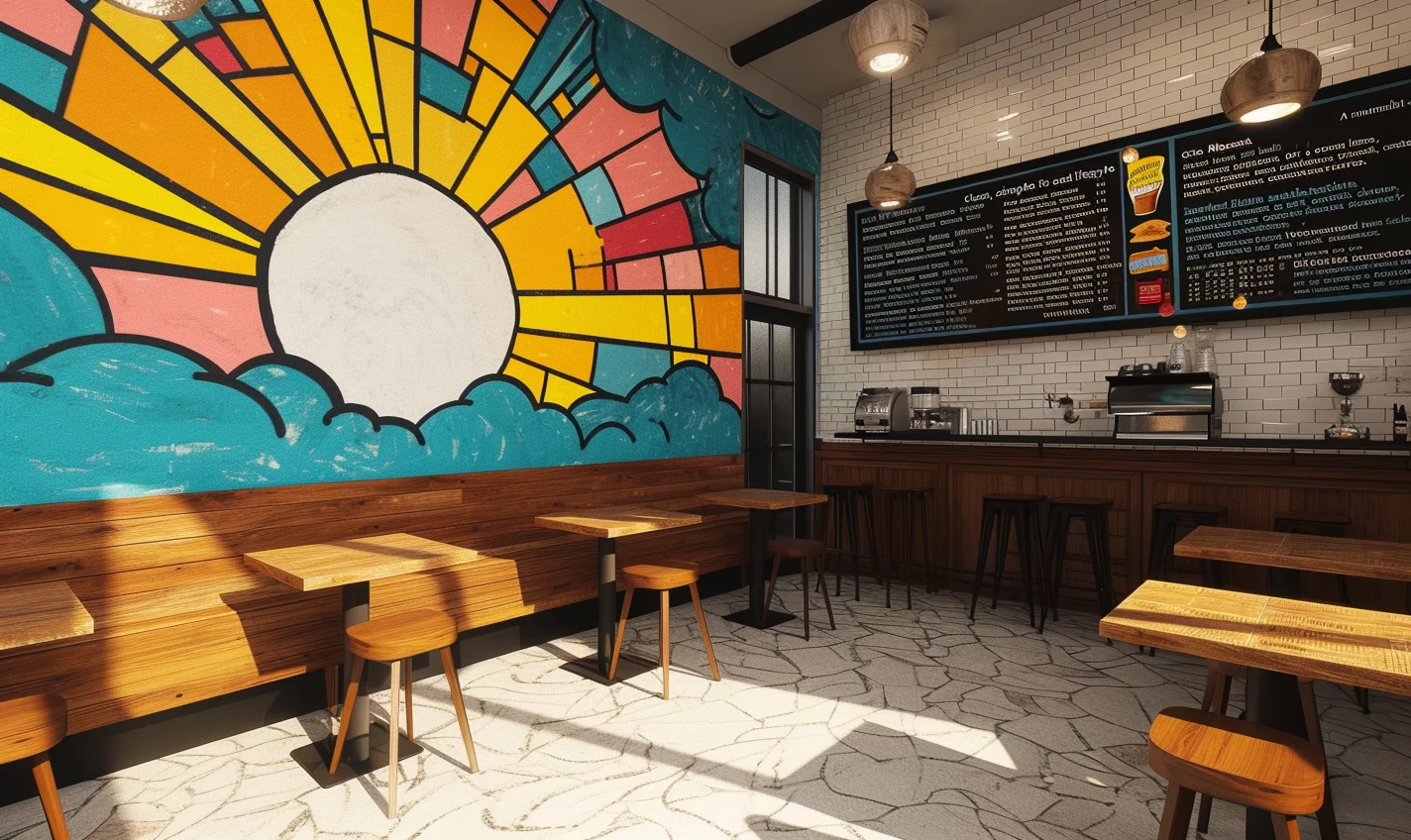
A café with a sun mural and wooden benches. Slide past the wooden seats and settle on the sun mural.
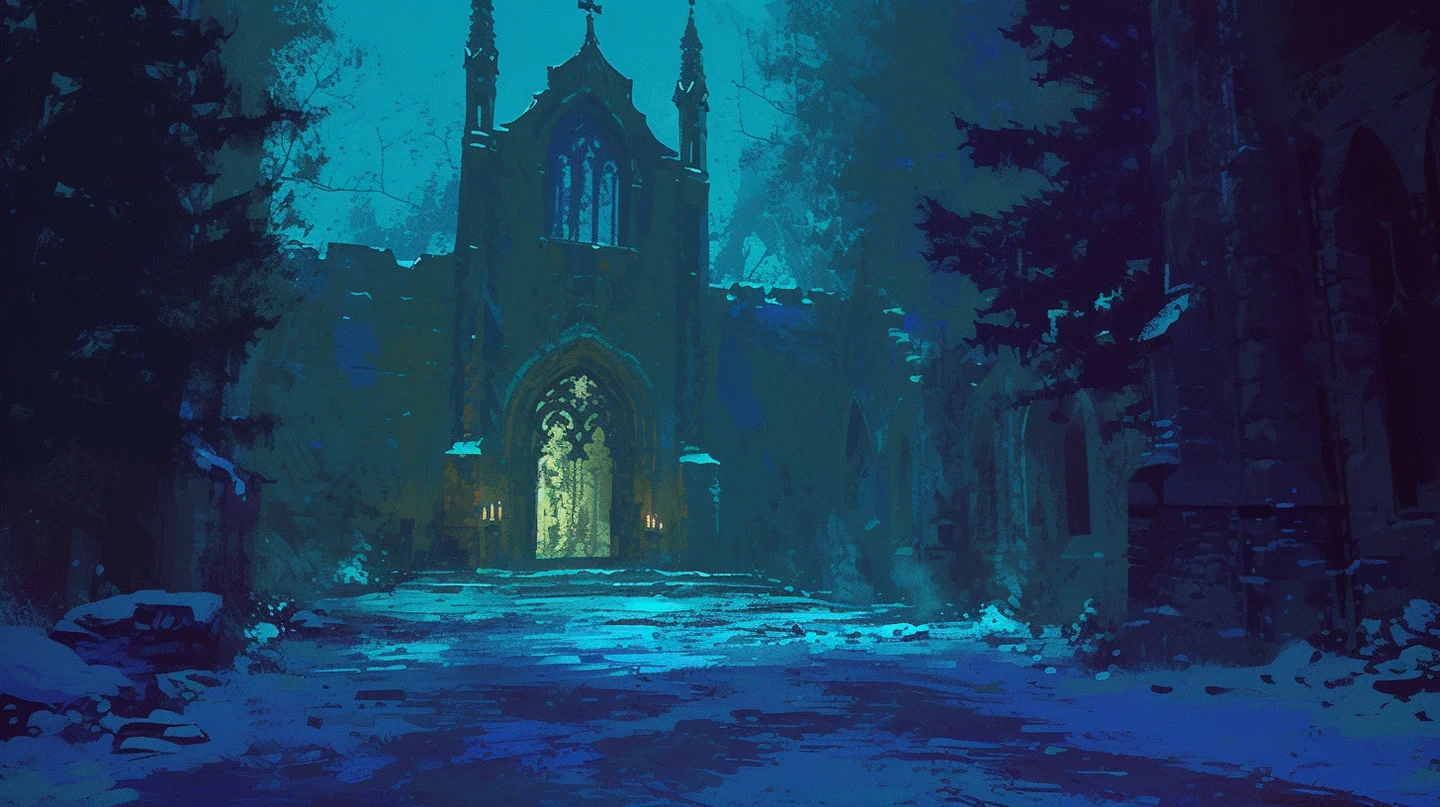
A chapel in a blue woodland clearing. Approach the chapel as mist drifts through the clearing.
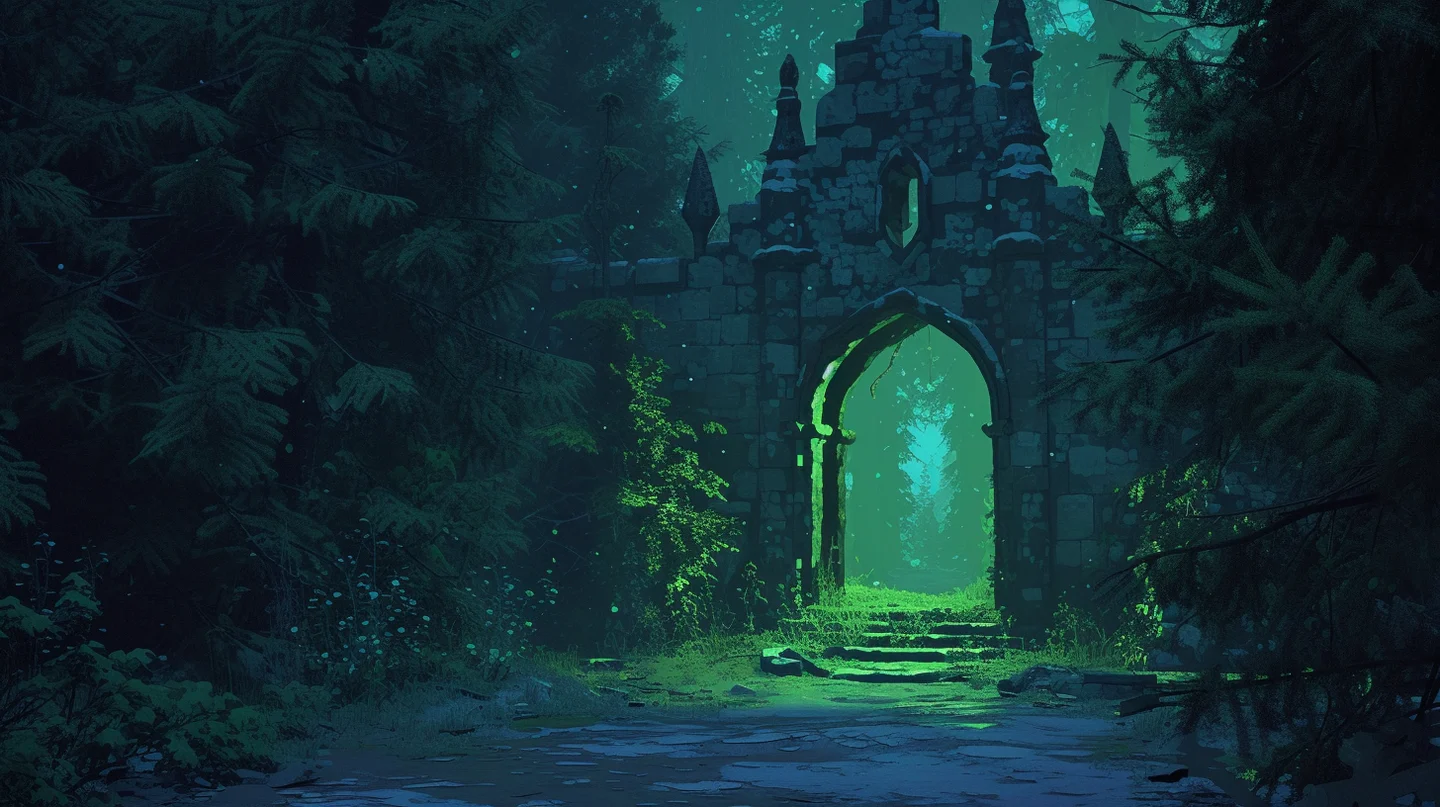
A glowing green doorway in an overgrown stone ruin. Push toward the doorway as green light spreads over the ivy.
Happy Wan AI Video Prompts & Shot Templates
Whether you generate with Wan 3.0 or HappyHorse 1.1 inside Happy Wan, breaking your shot into four ordered clauses prevents muddled motion and keeps characters stable.
Start every video prompt with one clear physical action, then layer camera choreography, lighting direction, and sound cues.
Open Happy Wan video studioName who or what owns the frame and which visual details must stay locked—wardrobe, bottle geometry, facial silhouette, or prop placement in Happy Wan.
Describe a single readable action with a start and finish, such as setting a cup down, turning toward a window, or walking three paces forward.
Choose one camera verb—slow push-in, tabletop slider, low tracking shot, or locked tripod—paired with time-of-day and key light direction.
Copy any production template below or send it straight into the matching video model in one click.
Name who or what owns the frame and which visual details must stay locked—wardrobe, bottle geometry, facial silhouette, or prop placement in Happy Wan.
Describe a single readable action with a start and finish, such as setting a cup down, turning toward a window, or walking three paces forward.
Whether you generate with Wan 3.0 or HappyHorse 1.1 inside Happy Wan, breaking your shot into four ordered clauses prevents muddled motion and keeps characters stable.
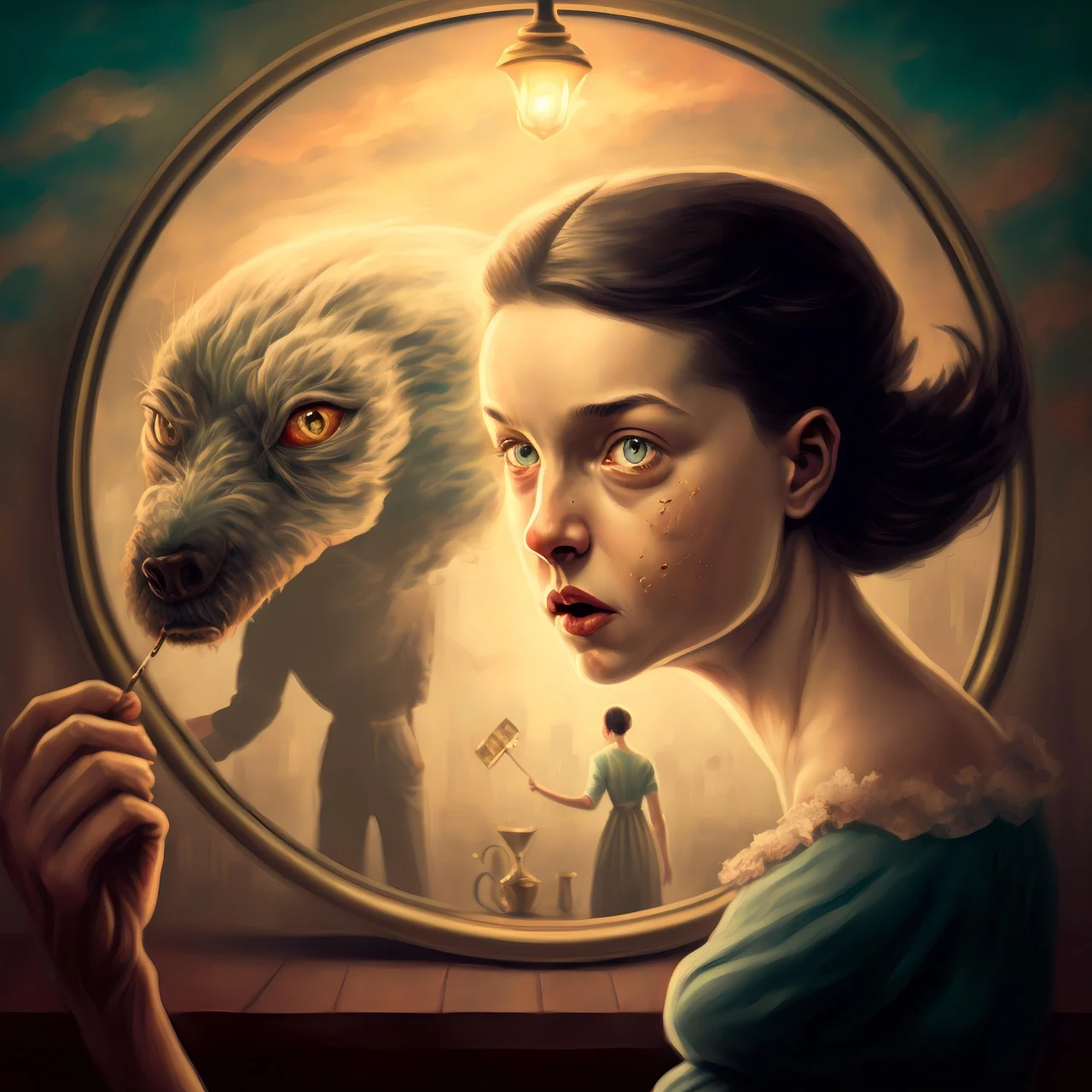
Name who or what owns the frame and which visual details must stay locked—wardrobe, bottle geometry, facial silhouette, or prop placement in Happy Wan.

Describe a single readable action with a start and finish, such as setting a cup down, turning toward a window, or walking three paces forward.
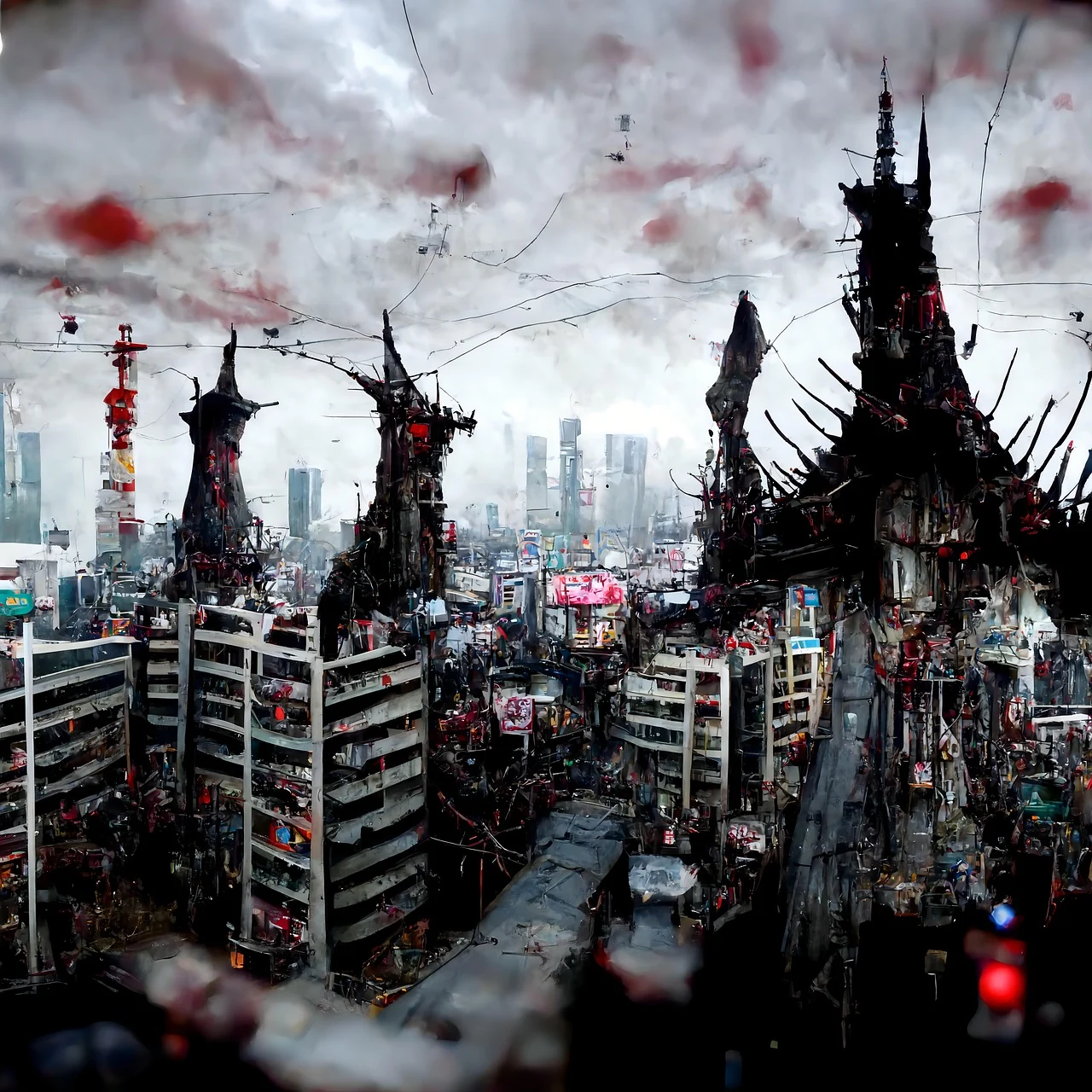
Choose one camera verb—slow push-in, tabletop slider, low tracking shot, or locked tripod—paired with time-of-day and key light direction.
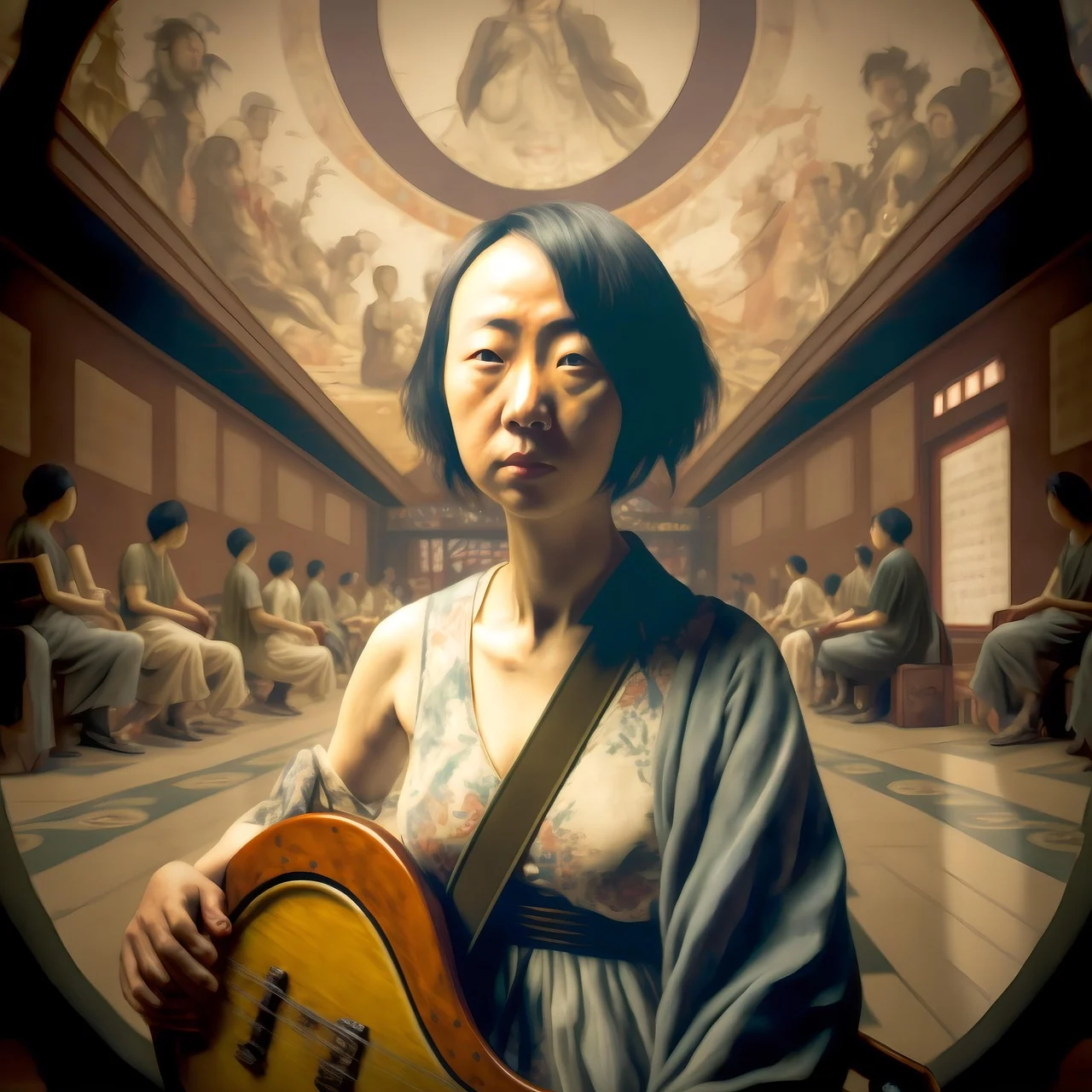
When enabling audio in Happy Wan's Wan 3.0 workflows, append room tone, Foley footsteps, or a concise spoken line at the end of the brief.
Copy any production template below or send it straight into the matching video model in one click.
Medium portrait in a rain-lit studio cafe. A ceramicist sets a warm mug on a walnut table, looks into the lens, and speaks calmly: "Every piece starts with patience." Slow 5-second push-in, soft tungsten key light, subtle rain ambience and ceramic clink.
Macro studio product shot of a brushed titanium smartwatch resting on wet black slate. Smooth left-to-right slider move as a crisp rim light sweeps across the sapphire dial and water droplets. Preserve dial proportions and strap texture.
Cinematic 35mm close-up of an explorer standing at a snowy mountain pass at dusk. Wind lifts the fur collar while they raise binoculars, pause in recognition, and exhale a visible plume of breath. Handheld micro-stabilized framing.
Using Image 1 for the lead detective, Image 2 for the brass lantern prop, and Image 3 for the foggy harbor pier: the detective raises the lantern forward as golden light reflects across wet timber planks. Slow dolly backward at eye level.
Transition smoothly from the daytime architectural sketch in the opening frame to the illuminated evening courtyard in the final frame. Hold camera perspective steady while shadows lengthen and warm interior lanterns glow on.
Vertical 9:16 frame with clean upper headroom for captions. A street skateboarder crouches at the center line and pops a crisp slow-motion ollie over a neon puddle, neon reflections rippling outward as the low-angle camera tracks alongside.
Match your prompt structure to the exact model controls wired inside the studio.
| Creative Goal in Happy Wan | Recommended Model | Input Setup | Prompt Priority | Pro Tip |
|---|---|---|---|---|
| Long narrative shot (15–30s) with sound | Wan 3.0 / Wan 3.0 Prime | Text or up to 10 ingredient images | Chronological beat + room sound | Enable the workspace audio toggle and lock the seed when refining pacing |
| Single-photo character animation | HappyHorse 1.1 | 1 clean starting image + text | Describe only what changes after frame 1 | Do not re-describe the whole outfit; focus on gaze, hands, and camera |
| Consistent cast, product & location | HappyHorse 1.1 Reference | Up to 9 reference images + text | Explicitly assign Image 1, Image 2, Image 3 roles | Keep lighting mood consistent across uploaded references |
| Exact opening-to-closing pose | Wan 3.0 / Wan 3.0 Prime | First frame + Last frame + text | Describe the connecting motion path | Use matching aspect ratios on both keyframes to avoid cropping |
| Designing a clean starting frame | Qwen Image 2.1 (/image/) | Text or reference image | Subject silhouette, negative space & lighting | Export the 16:9 or 9:16 still directly into Happy Wan video creation |
Treat each generation like a director's rehearsal—test fast, isolate one change, then render at full quality.
Pick a visual card or workflow blueprint above, replace the subject and environment with your own scene, and keep the action to one clear beat.
Open the video workspace, run a 3-to-5-second draft to verify camera speed and subject stability, and review the live credit quote before submitting.
Keep your working prompt intact while adjusting only lighting, camera verb, or audio cues, then export the winning take in 1080p.
Happy Wan bridges rapid solo ideation and commercial studio delivery with consistent visual quality and transparent credit governance.
Turn screenplay beats into expressive animatics, test lens choices in minutes, and maintain consistent protagonists across episodic sequences.
Produce scroll-stopping product showcases, localized ad variations, and high-retention vertical videos at a fraction of studio shoot costs.
Control subject, physics, camera path, and lighting in plain language.
Generate still concept frames and animate them in one connected workspace.
Upfront quotes plus automatic full credit return if a system task ever fails.
Start free with 50 welcome credits plus up to 100 weekly check-in credits, then scale with monthly plans, discounted annual tiers, or one-time credit packs.
Billed once per year. Monthly equivalent and annual total are shown below.
Most effective The prompts run two to four concise sentences (35 to 80 words). Lead with the subject and primary action, add one camera movement and lighting note, and finish with optional audio cues rather than stacking contradictory style adjectives.
In Happy Wan, Wan 3.0 and Wan 3.0 Prime excel at 2–30 second structured progressions, start/end frame bridges, and explicit audio cues. HappyHorse 1.1 and HappyHorse 1.1 Reference shine on punchy 3–15 second 1080p physical realism and named multi-image reference roles.
Select Wan 3.0 or Wan 3.0 Prime in the studio, switch on audio in the workspace, and place spoken dialogue in quotation marks alongside concrete Foley cues like footsteps on gravel, distant harbor foghorns, or soft rain on glass.
Focus your The image-to-video prompt on what happens after the first frame—such as a slow head turn, fabric catching wind, or a camera dolly—while stating which product labels or facial details must remain unchanged.
When using HappyHorse 1.1 Reference (up to 9 images) or Wan 3.0 ingredients mode (up to 10 images), assign each upload a clear job in your The prompt: for example, Image 1 for the character, Image 2 for the product bottle, and Image 3 for the studio backdrop.
Competing camera verbs like 'orbit, zoom in, and pan left' fight each other in a short clip. Pick a single deliberate The camera instruction—such as 'locked tripod' or 'slow tabletop slider left to right'—for smooth cinema motion.
Yes. Open the The image studio (/image/) powered by Qwen Image 2.1 and 3.0 to compose a clean 16:9 or 9:16 keyframe, then bring that frame into the video workspace for controlled animation.
No. Browsing, copying, and loading prompts into the The workspace are completely free. Credits are only reserved after you review the exact quote and click submit.
Bring any prompt from this library into Happy Wan, switch between Wan 3.0 and HappyHorse 1.1, and claim 50 free welcome credits on your first sign-in.