
HappyHorse 1.1 vs Wan 3.0: Combine Both Workflows in Happy Wan
Why do creators link Alibaba’s Wan and HappyHorse video lineages under Happy Wan? Wan 3.0 leads in 2–30s structural storytelling, keyframes and synced audio, while HappyHorse 1.1 excels at 1080p character realism and 9-image reference consistency. Compare specs below and test both models live.
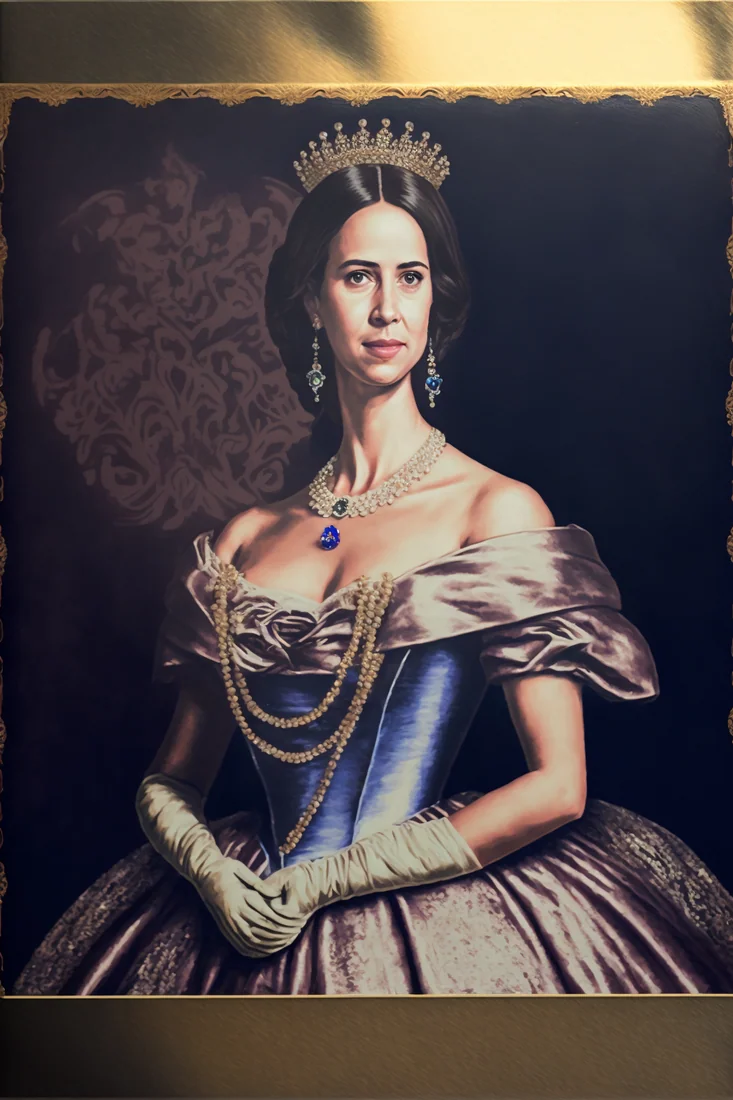
No need to juggle separate tools: the Happy Wan workspace runs Wan 3.0, Wan 3.0 Prime, HappyHorse 1.1 and HappyHorse 1.1 Reference side by side. Open dual-model video studio
What Is the Difference Between HappyHorse 1.1 & Wan 3.0?
In Happy Wan you never have to lock an entire project to a single engine. Draft a 12-second establishing shot with synced rain ambience in Wan 3.0, then switch to HappyHorse 1.1 for a 5-second 1080p close-up reaction using the same character reference.
Core Technical Strengths: Portrait Realism vs 30s Audio Scenes
Wan 3.0 & Prime: 2–30s pacing, keyframes & audio
Choose Wan 3.0 or Wan 3.0 Prime in the studio whenever a scene demands clips longer than 15 seconds, explicit start-to-end keyframe transitions, seed locking, or workspace audio generation.
Test in Happy Wan studioHappyHorse 1.1: 1080p character motion & 21:9 cinema frames
Choose HappyHorse 1.1 in the studio for expressive 3–15 second human performance, clean single-image animation, and nine widescreen or vertical aspect ratios including 21:9.
Test in Happy Wan studioHappyHorse 1.1 Reference: 9-image cast & prop locking
Choose HappyHorse 1.1 Reference in the studio when up to nine reference pictures must anchor character wardrobe, product packaging, and environment across consecutive takes.
Test in Happy Wan studioFive Side-by-Side Shot Prompt Examples in Happy Wan
Click "Test this shot on both models" below any benchmark scene to load its prompt into the Happy Wan starter form above, then switch between Wan 3.0 and HappyHorse 1.1.
Commercial macro | Vintage car under warm studio light
What to compare: specular paint reflections vs slow slider stability. Wan 3.0 Prime stretches up to 30s with engine ambience; HappyHorse 1.1 delivers punchy 1080p studio contrast.
A blue vintage car under warm studio lights. Slide the camera left to right at bumper height as golden reflections travel across the hood curve. Keep proportions locked.
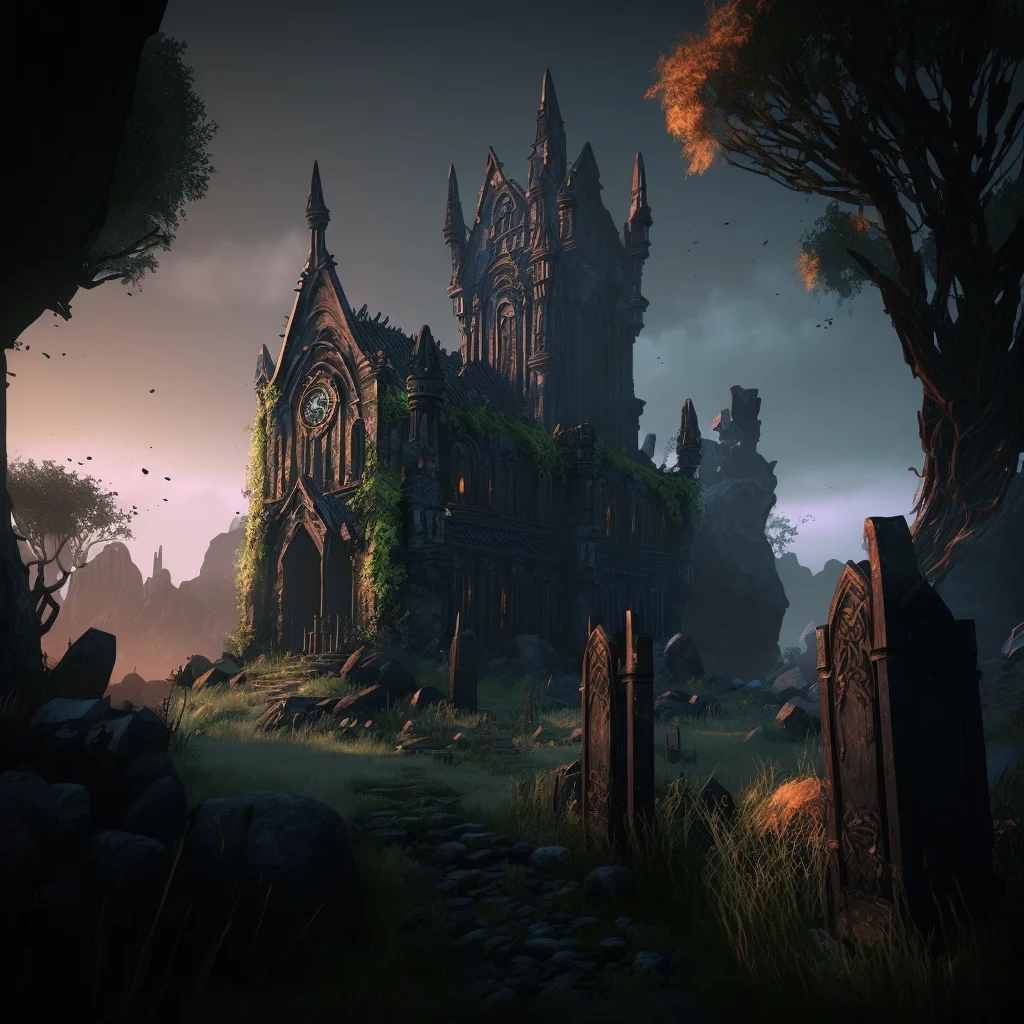
Character beat | Woodland portrait with drifting bokeh
What to compare: subtle eye movement and hair detail. HappyHorse 1.1 captures nuanced facial timing, while Wan 3.0 can layer forest breeze and birdsong audio.
Medium close-up portrait in soft woodland light. The subject turns gently toward the lens as hair catches a light breeze and background bokeh drifts right. Locked tripod.
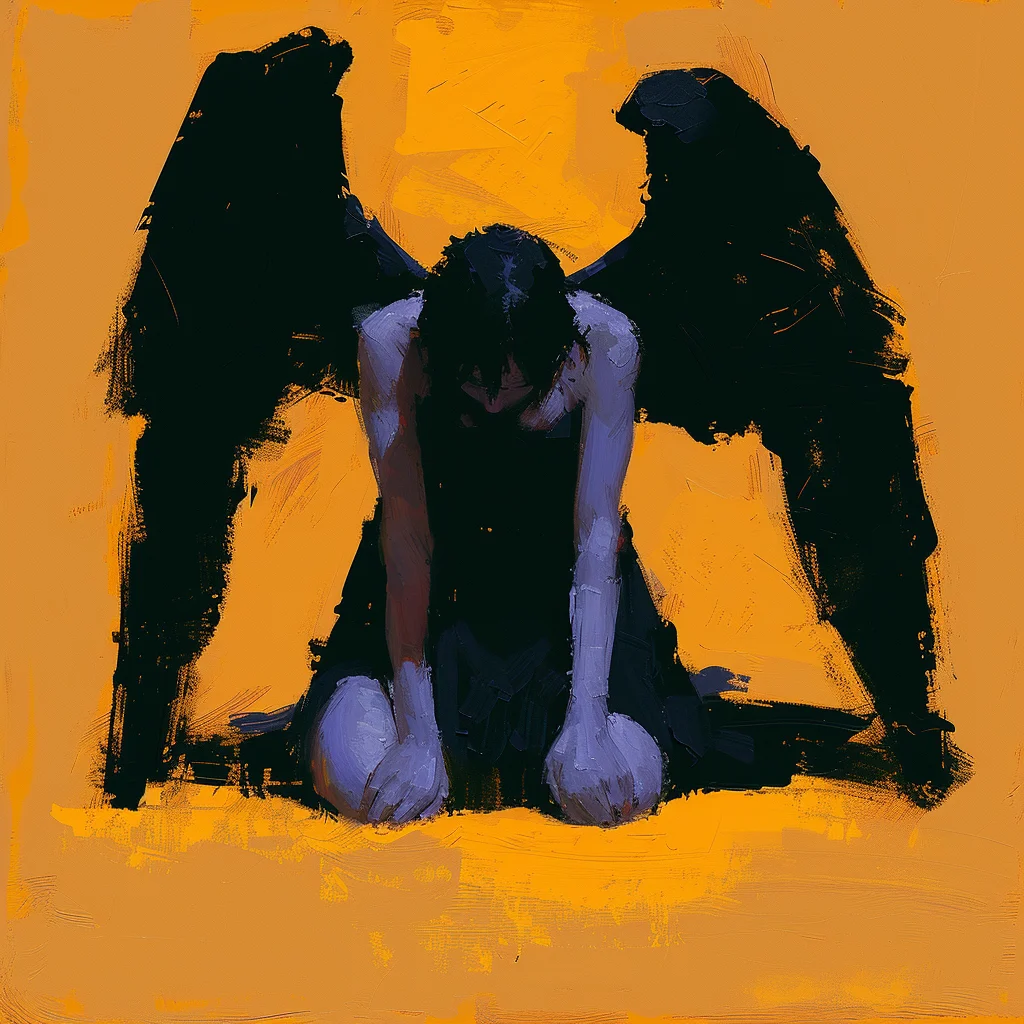
Multi-reference series | Detective stepping onto a foggy pier
What to compare: wardrobe and prop continuity across cuts. Anchor the coat and lantern in HappyHorse 1.1 Reference, then cut to a wide dialogue shot in Wan 3.0.
At a foggy harbor pier at dusk, the trench-coated detective raises a brass lantern forward as warm light reflects across wet timber planks. Slow eye-level dolly back.
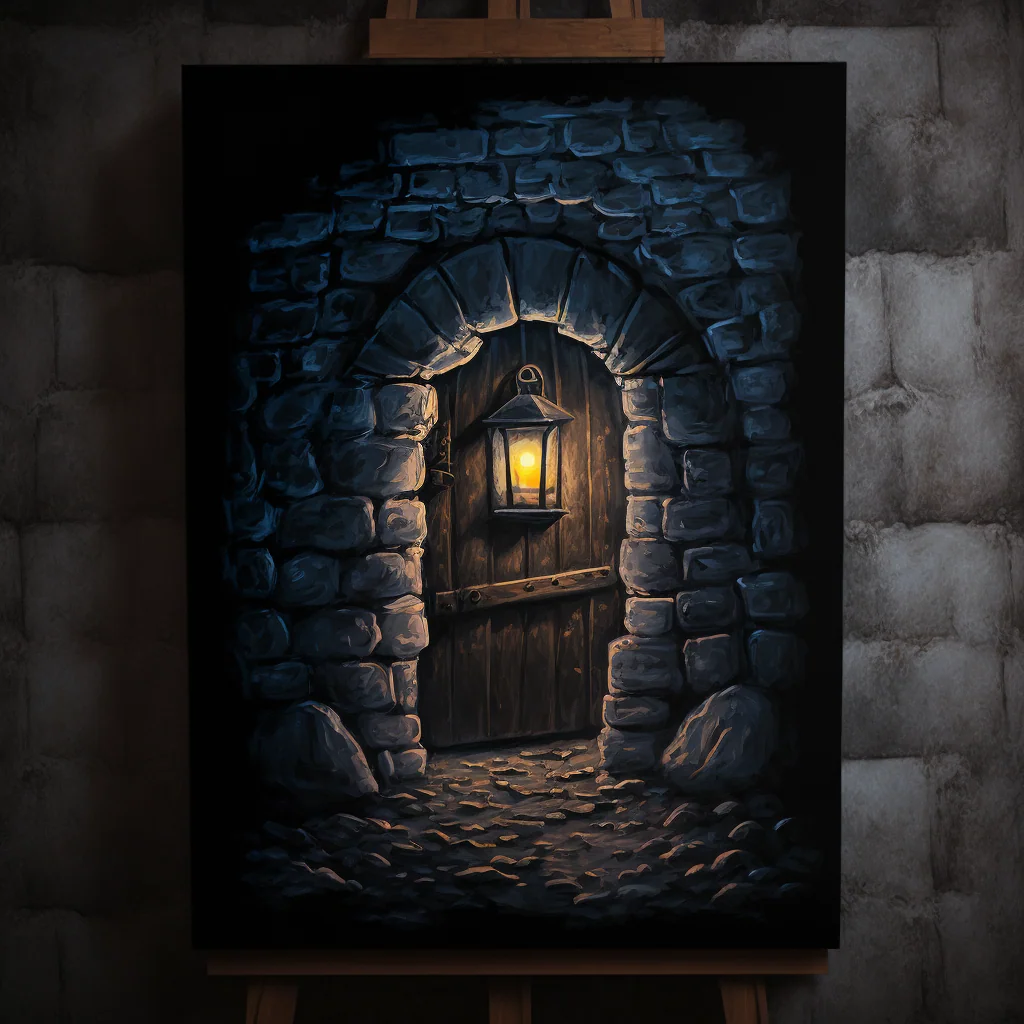
Keyframe bridge | Courtyard sketch to illuminated night
What to compare: exact start-to-end geometry. Run this in the studio using Wan 3.0 frame mode so the camera perspective stays locked while daytime lines turn into glowing evening lanterns.
Hold the courtyard camera perspective fixed as daytime architectural lines transition smoothly into an illuminated evening courtyard with warm glowing lanterns.
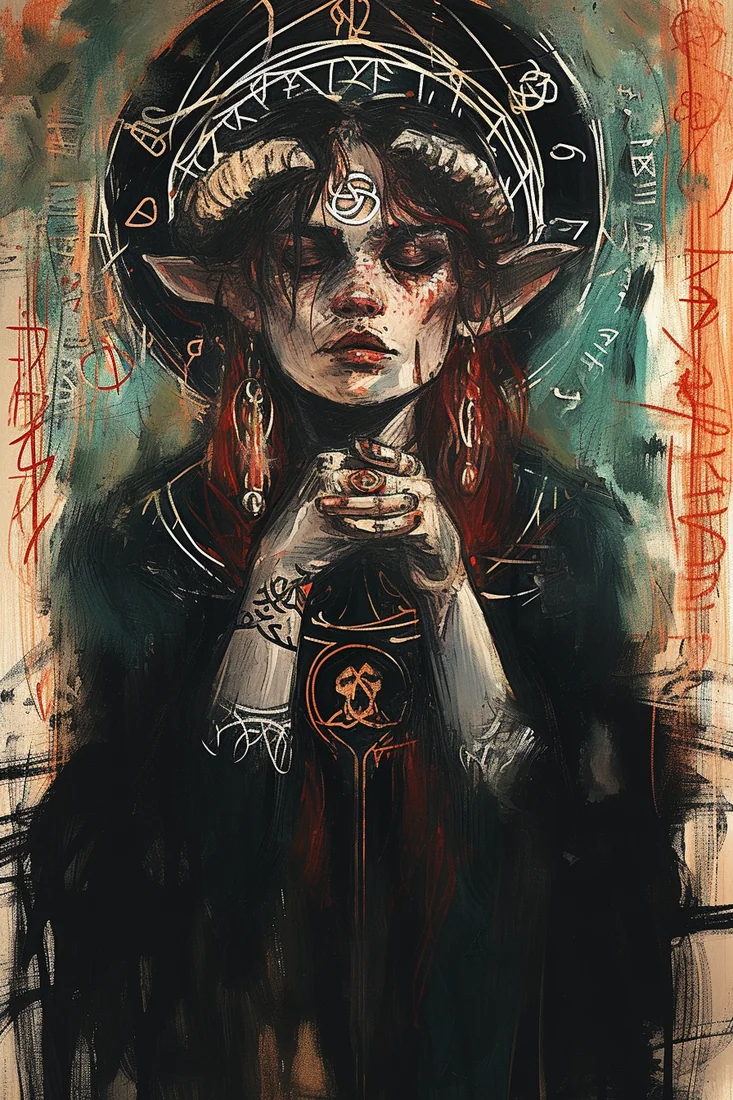
Atmospheric opener | Sunset waves over coastal rocks
What to compare: water fluid dynamics and horizon depth. Run Wan 3.0 with audio enabled in the studio for an instant 15-second title background with crashing surf.
Golden sunset light across dark coastal rocks. Ocean waves surge through the channel and break into white spray as a low camera pushes slowly forward.
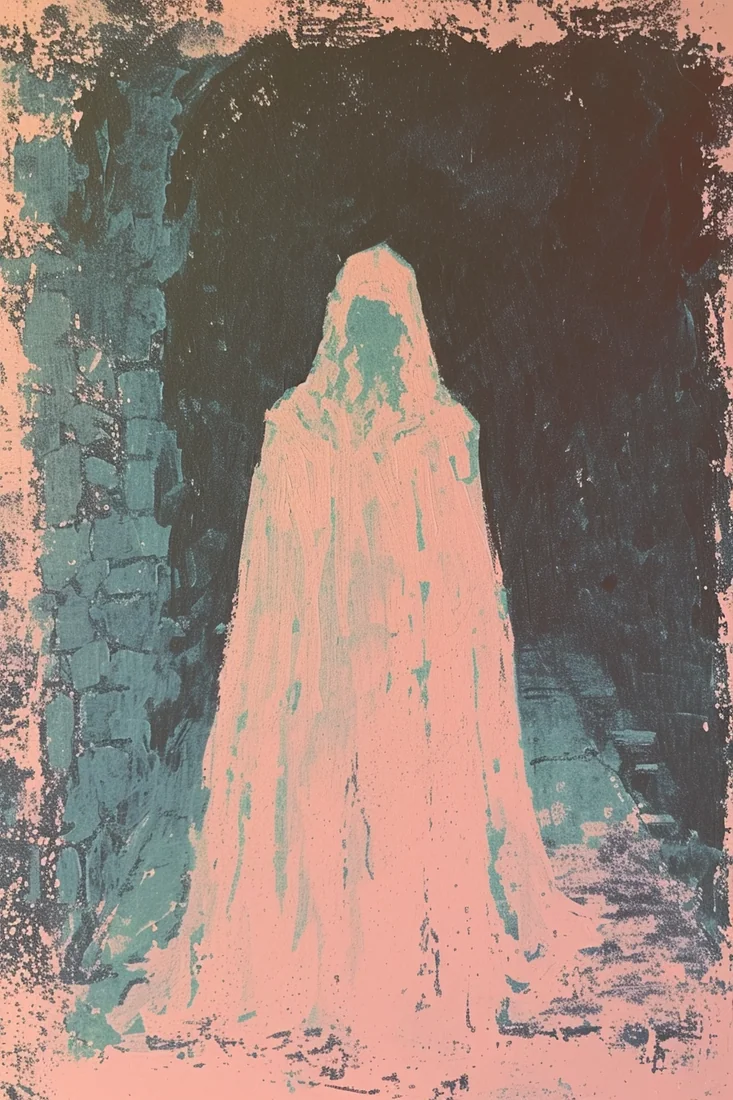
How to Combine Both Workflows in Three Studio Steps
Use Happy Wan as a unified dual-model bay: prototype cheaply, lock visual identity, and render hero cuts where each model shines.
Pick the engine that matches the shot job
Select Wan 3.0 for 15–30s duration, start/end frames, or synced sound; select HappyHorse 1.1 for 3–15s 1080p character beats or 9-image reference anchoring.
Load your brief and check the live quote in the studio
Enter your prompt above, pick aspect ratio and resolution, and inspect the exact per-second credit quote in the Happy Wan workspace before submitting.
Cut both takes together in your timeline
Keep the same visual palette or Qwen Image 2.1 starting still across both models so wide Wan 3.0 audio shots intercut cleanly with HappyHorse 1.1 close-ups.
HappyHorse 1.1 vs Wan 3.0 Specifications & Credit Matrix
| Happy Wan dimension | Wan 3.0 / Wan 3.0 PrimeLong clips, start/end frames & synced audio | HappyHorse 1.1 | HappyHorse 1.1 Reference |
|---|---|---|---|
| Core strength | Long clips, start/end frames & synced audio | 1080p motion realism & ultrawide ratios | Up to 9-image cast & product continuity |
| Supported inputs | Text, 1 image, start/end frames, up to 10 images | Text-to-video or 1 starting image | Up to 9 reference images + text prompt |
| Clip duration | 2–30 seconds (1s increments) | 3–15 seconds (1s increments) | 3–15 seconds (1s increments) |
| Output resolutions | 480P · 720P · 1080P | 720P · 1080P | 720P · 1080P |
| Aspect ratios | 16:9, 9:16, 1:1, 4:3, 3:4, adaptive | 16:9, 9:16, 1:1, 4:3, 3:4, 4:5, 5:4, 9:21, 21:9 | 16:9, 9:16, 1:1, 4:3, 3:4, 4:5, 5:4, 9:21, 21:9 |
| Audio & seed controls | Workspace audio toggle + Seed lock | Streamlined native motion output | Role-based multi-reference guidance |
| Credits per second | Wan 3.0: 17/33/66 · Prime: 26/52/104 | 720P: 47 credits/s · 1080P: 60 credits/s | 720P: 47 credits/s · 1080P: 60 credits/s |
| Ideal Happy Wan role | Dialogue scenes, long takes & frame bridges | Hero character close-ups & 21:9 cinema shots | Episodic series & multi-angle product ads |
Happy Wan calculates credits transparently from model × resolution × seconds before you click submit. A smart workflow is testing composition on a 3-second Wan 3.0 480P draft (17 credits/s), then rendering your final 1080P master in HappyHorse 1.1 (60 credits/s) or Wan 3.0 Prime (104 credits/s).
Commercial Value & Best Use Cases for Each Workflow
Episodic short dramas
Lock lead characters with 9 references in HappyHorse 1.1 Reference, then switch to Wan 3.0 for spoken dialogue beats.
E-commerce product launches
Pair a 5-second 1080p HappyHorse 1.1 hero reveal with a start-to-end macro transition in Wan 3.0 Prime.
21:9 cinematic trailers
Compose ultrawide 21:9 action shots in HappyHorse 1.1 and intercut 20-second atmospheric world-building takes from Wan 3.0.
9:16 social ad testing
Run the same vertical hook prompt across both models in the studio to see which pacing wins higher retention.
HappyHorse 1.1 vs Wan 3.0 Frequently Asked Questions (FAQ)
Why compare HappyHorse 1.1 and Wan 3.0 inside Happy Wan?
Alibaba’s video ecosystem spans the Wan lineage (long-form structural control, start/end frames, audio toggles) and the HappyHorse lineage from Future Life Lab (expressive 1080p motion and 9-image reference consistency). Happy Wan unites both families in one workspace so creators can use them together.
When should I pick Wan 3.0 over HappyHorse 1.1 in the studio?
Pick Wan 3.0 or Wan 3.0 Prime in the studio whenever you need clips between 16 and 30 seconds, explicit first-and-last frame transitions, seed locking, or synchronized audio generation.
When does HappyHorse 1.1 outperform Wan 3.0?
Pick HappyHorse 1.1 or HappyHorse 1.1 Reference in the studio for 3–15 second 1080p character acting, ultrawide 21:9 or 9:21 framing, or 9-image identity locking at 60 credits/s in 1080p.
How do the multi-image modes differ between the two families?
In Happy Wan, Wan 3.0 offers both a 2-image start/end frame mode and a 10-image ingredients mode with optional sound. HappyHorse 1.1 Reference focuses on 1-to-9 reference images across nine aspect ratios.
Can I cut Wan 3.0 and HappyHorse 1.1 clips into the same video?
Yes. Generate a shared starting keyframe in the Happy Wan image studio with Qwen Image 2.1, then feed that exact frame into both video models for matching color and lighting.
Which model is most economical for quick camera rehearsals?
Wan 3.0 at 480P uses 17 credits per second (from 34 credits for a 2-second test), making it the fastest way to verify framing in Happy Wan before committing to 1080P.
Can I test both models with my free Happy Wan welcome credits?
Yes. First sign-in awards 50 welcome credits and the 7-day check-in cycle offers up to 100 bonus credits. Check the live workspace quote before submitting your task.
What happens to my credits if a generation task fails?
Happy Wan uses an idempotent credit reservation ledger: credits are reserved on submit and automatically released back to your balance if a provider task fails.
Start Comparing & Creating Shots Online in Happy Wan
Load one of the benchmark prompts above into Happy Wan and compare Wan 3.0 and HappyHorse 1.1 on your own scene.
Test in Happy Wan studio View credit plans