Text to video
Describe a person or object, a setting and one main event. Happy Wan video creation lets you begin without a reference picture. Place the essential action first, then add light, mood and a camera instruction that supports the story.
Claim 50 free credits · Check in for up to 100 weekly

Describe your idea|
HAPPY WAN VIDEO STUDIO
Direct every shot with real-world physical simulation, multi-reference continuity, precise lens trajectories, and synchronized audio.
Happy Wan Online AI Video Studio turns text screenplays, single photos, keyframes, and multi-image references into 1080p cinema-grade motion with realistic physics, camera control, and native audio.
Describe a person or object, a setting and one main event. Happy Wan video creation lets you begin without a reference picture. Place the essential action first, then add light, mood and a camera instruction that supports the story.
Begin with a photo, product image or illustration. Explain what happens after this opening frame: a character turns, fabric moves or the camera reveals a detail. Keep the requested action compatible with the subject and visible composition of the picture.
Use supported reference modes to communicate a recurring character, product or location. Wan and HappyHorse expose different input limits and controls. Choose the appropriate mode, upload relevant material and explain the role each reference plays in the Happy Wan video.
Watch native motion clips spanning character performance, atmospheric lighting, and dynamic camera choreography. Load any direction straight into the studio.
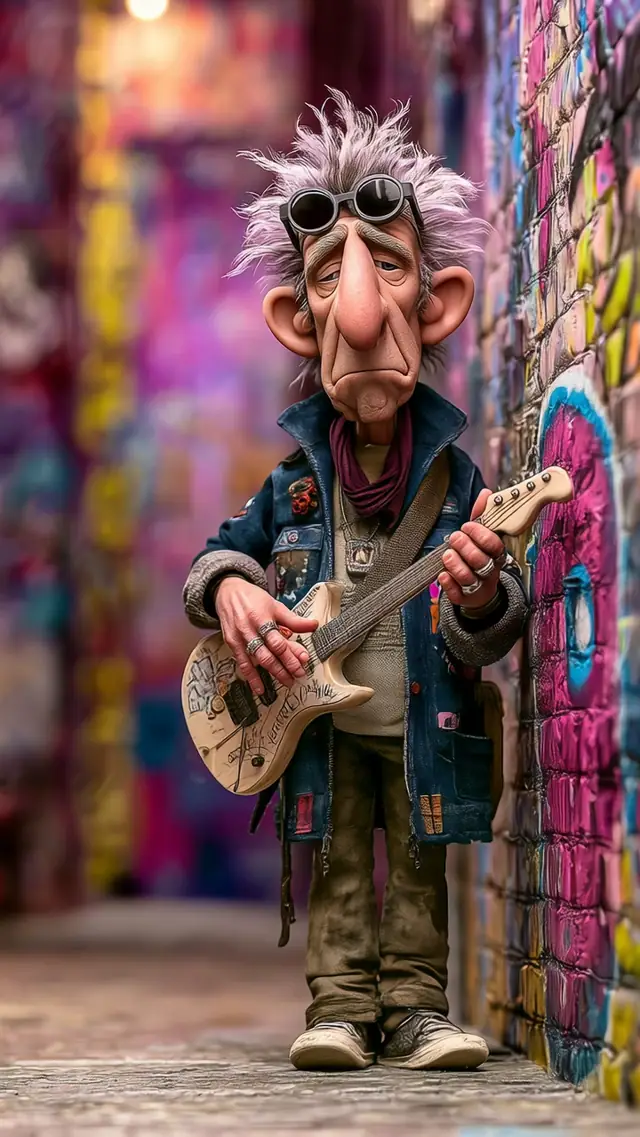
An electric guitarist performing
An electric guitarist performing
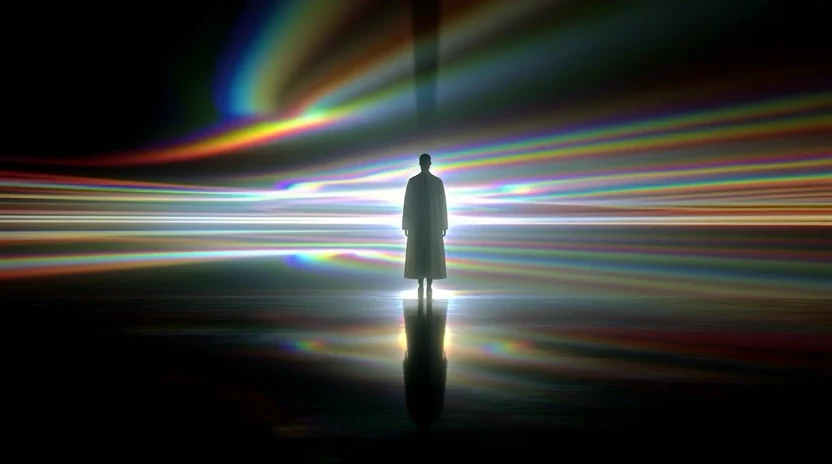
A silhouette amid moving ribbons of colored light
A silhouette amid moving ribbons of colored light
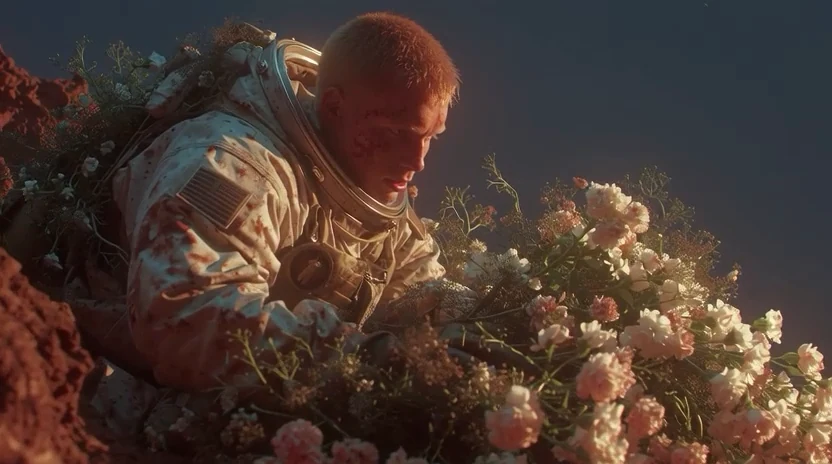
An astronaut moving through a field of flowers
An astronaut moving through a field of flowers
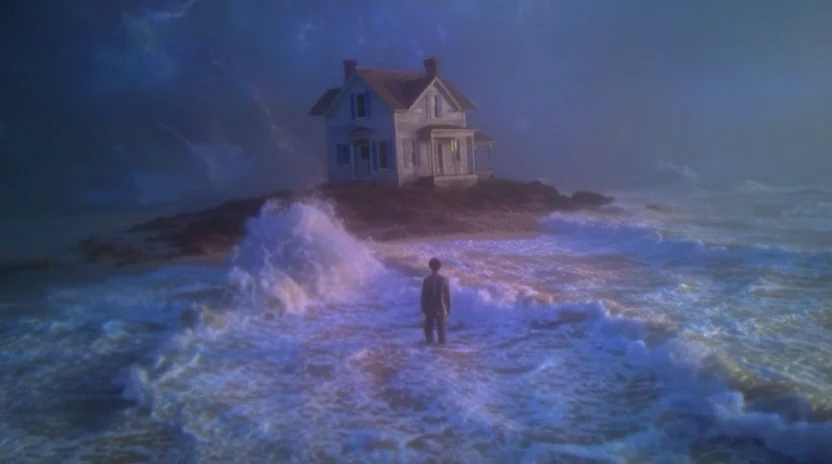
A house on a small island in shimmering blue water
A house on a small island in shimmering blue water
From an opening shot to a product reveal, create moving scenes for the projects you want to share.
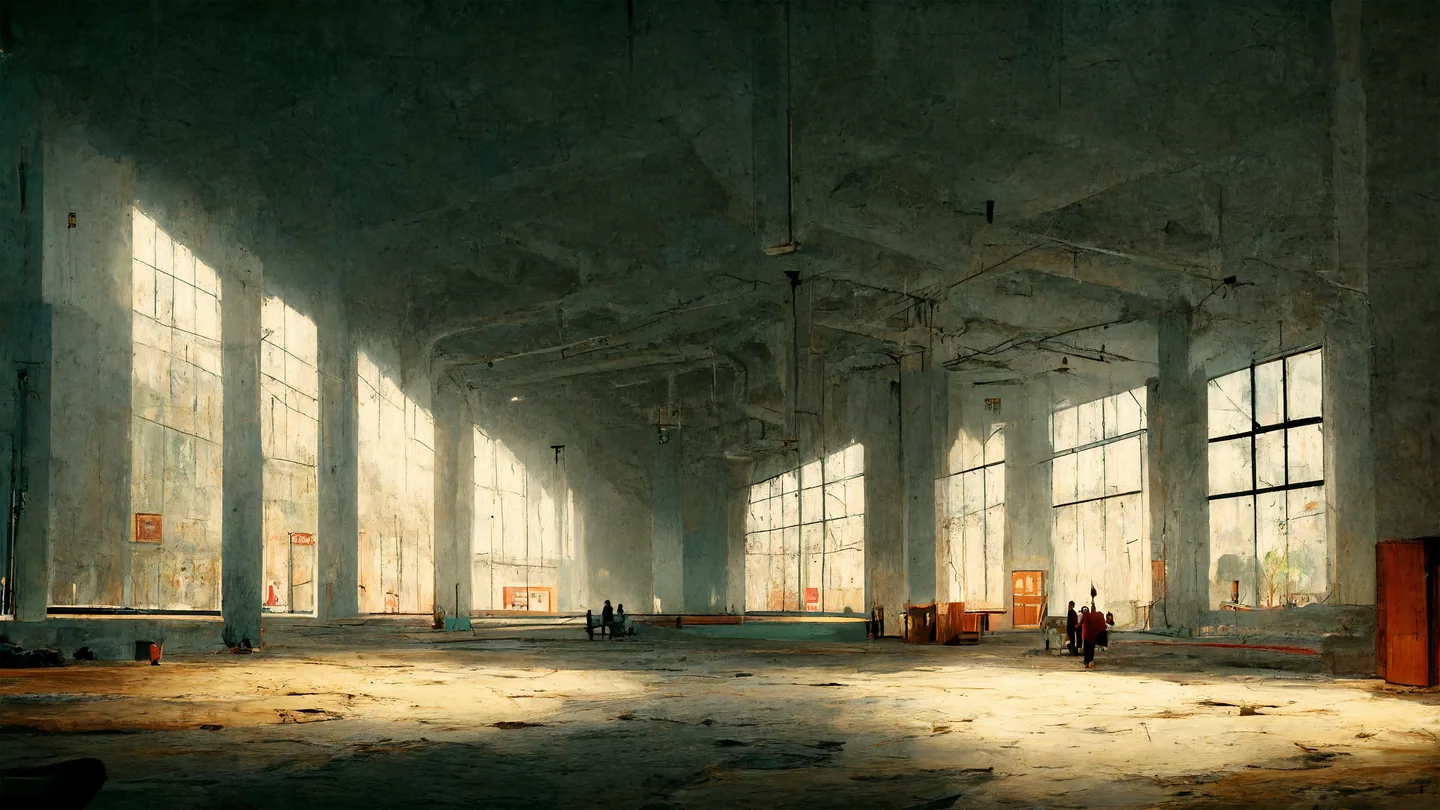
Develop a campaign concept into a scene people can watch. Create opening hooks, lifestyle visuals, and brand-film ideas for presentations and ad development. Happy Wan lets you explore different creative directions before planning a full production.
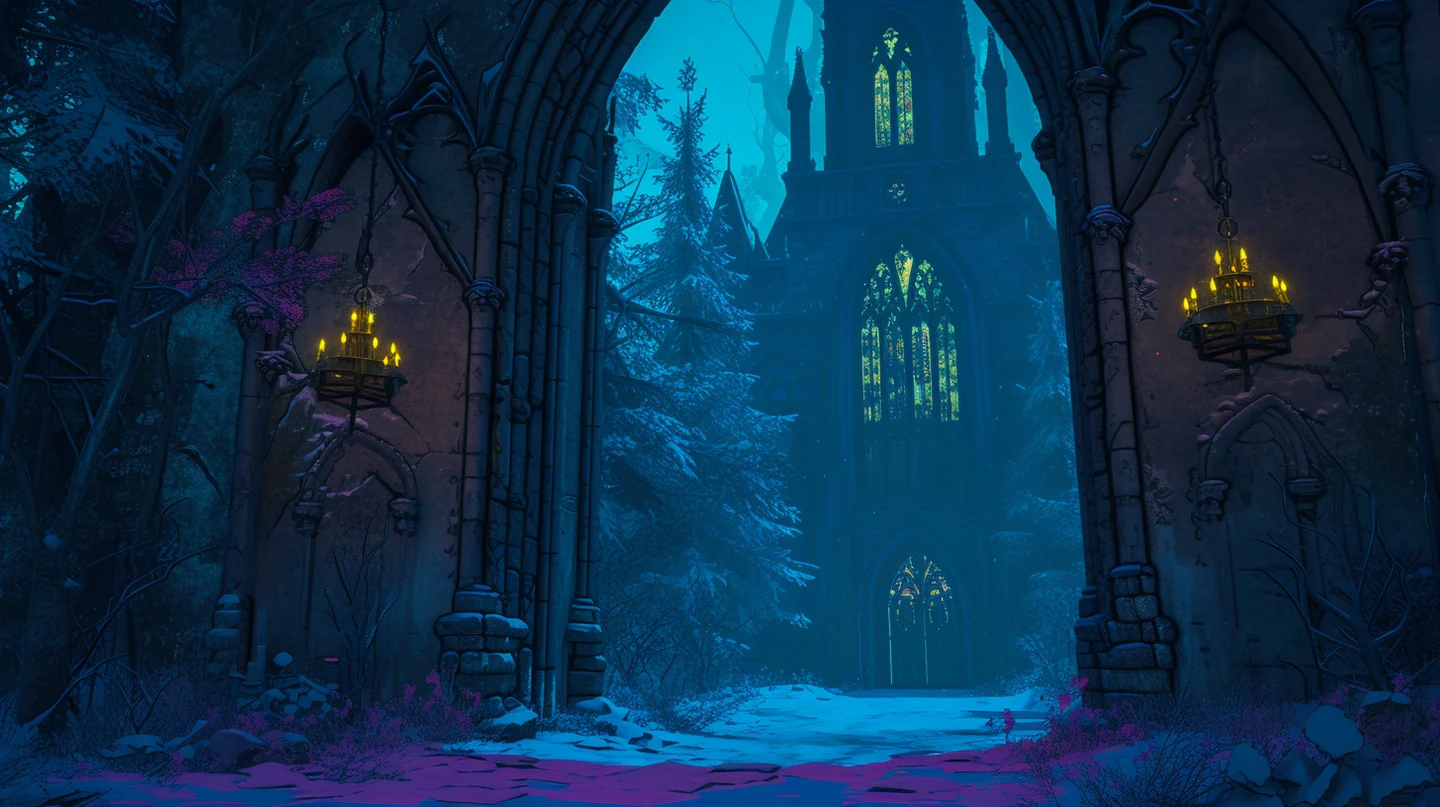
Build establishing shots, character moments, and scenes from a script. Use Happy Wan videos to develop a storyboard, communicate a director’s idea, or contribute footage to a longer edit. Explore how framing and atmosphere change the way a story feels.
Direct every shot with real-world physical simulation, multi-reference continuity, precise lens trajectories, and synchronized audio.
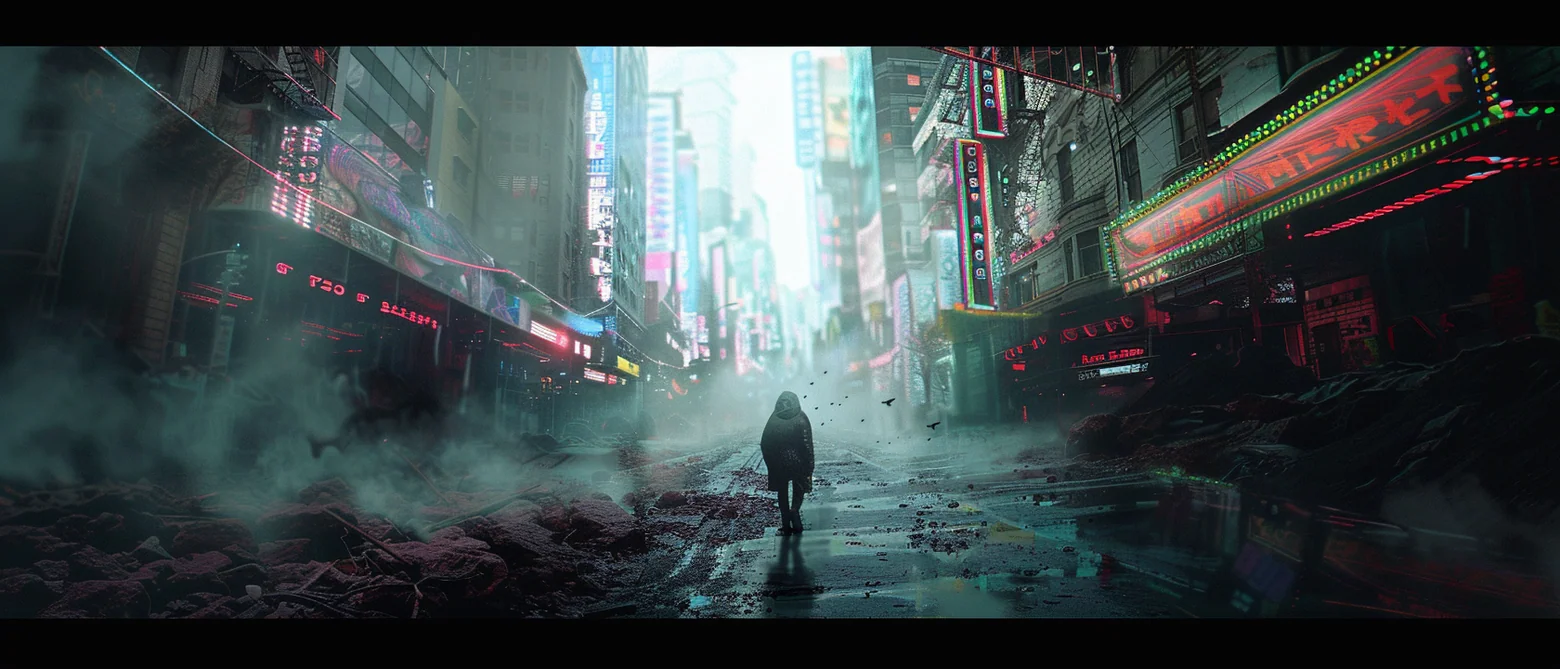
Describe a person or object, a setting and one main event. Happy Wan video creation lets you begin without a reference picture. Place the essential action first, then add light, mood and a camera instruction that supports the story.
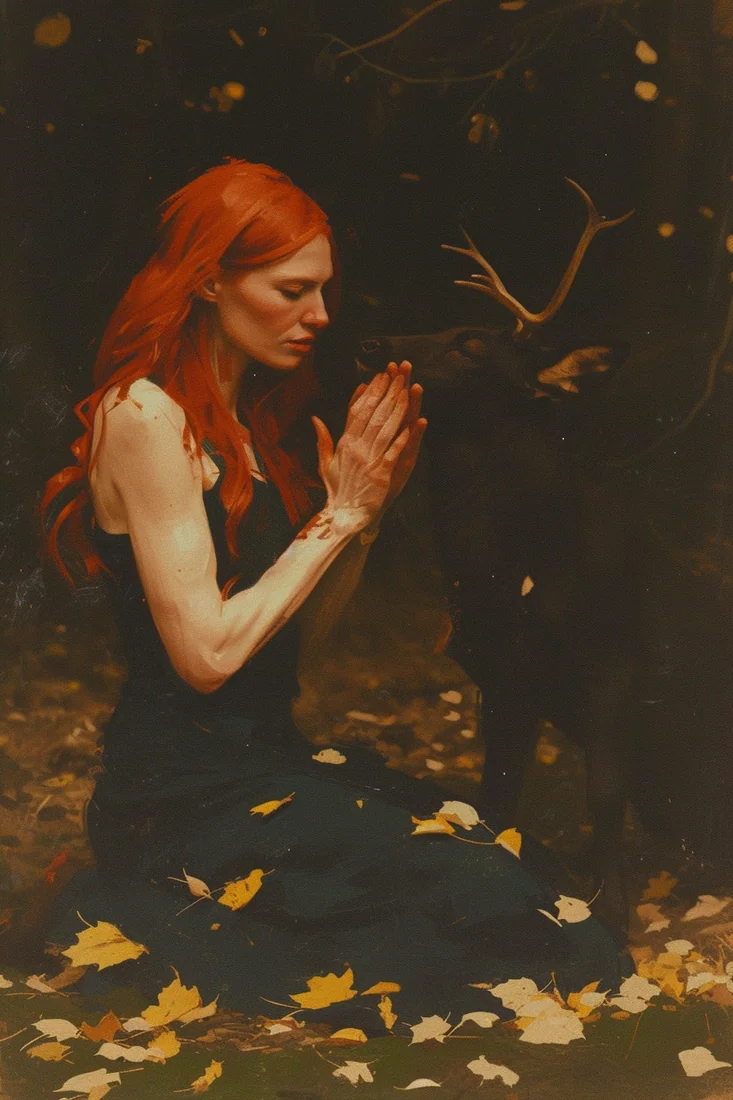
Begin with a photo, product image or illustration. Explain what happens after this opening frame: a character turns, fabric moves or the camera reveals a detail. Keep the requested action compatible with the subject and visible composition of the picture.
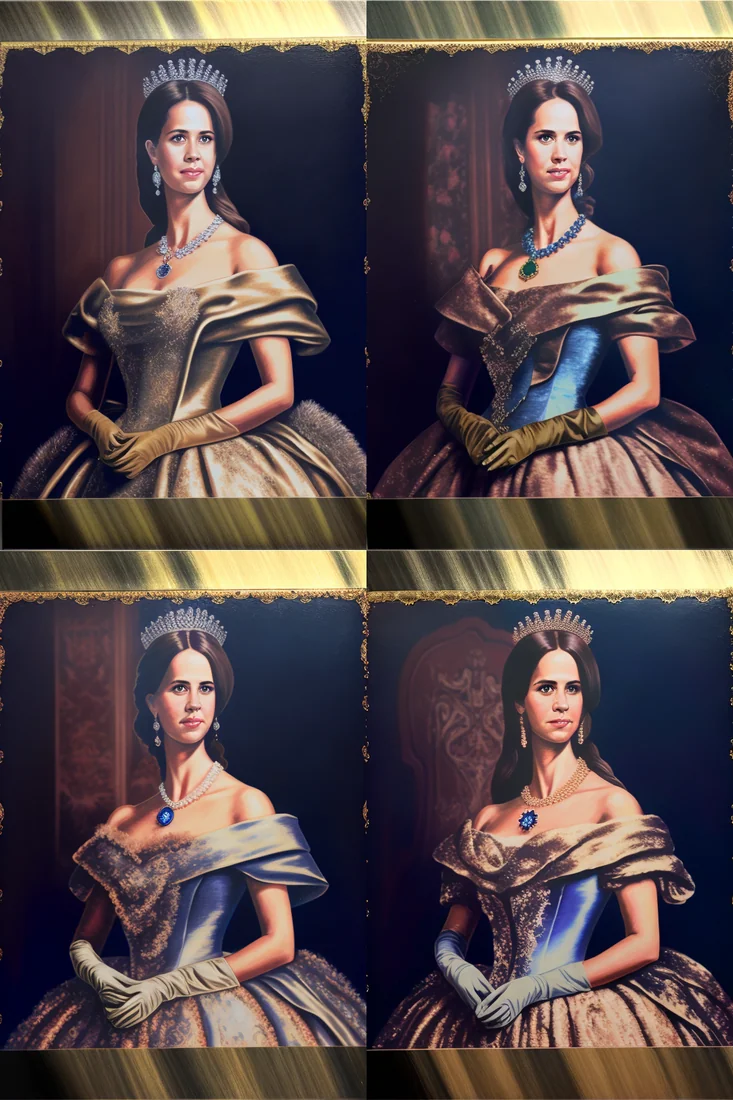
Use supported reference modes to communicate a recurring character, product or location. Wan and HappyHorse expose different input limits and controls. Choose the appropriate mode, upload relevant material and explain the role each reference plays in the Happy Wan video.
Wan 3.0 and Prime provide duration, resolution and audio controls. HappyHorse has its own supported lengths and reference modes. The Happy Wan video workspace changes available parameters with your model selection, so you can check the actual options before submission.
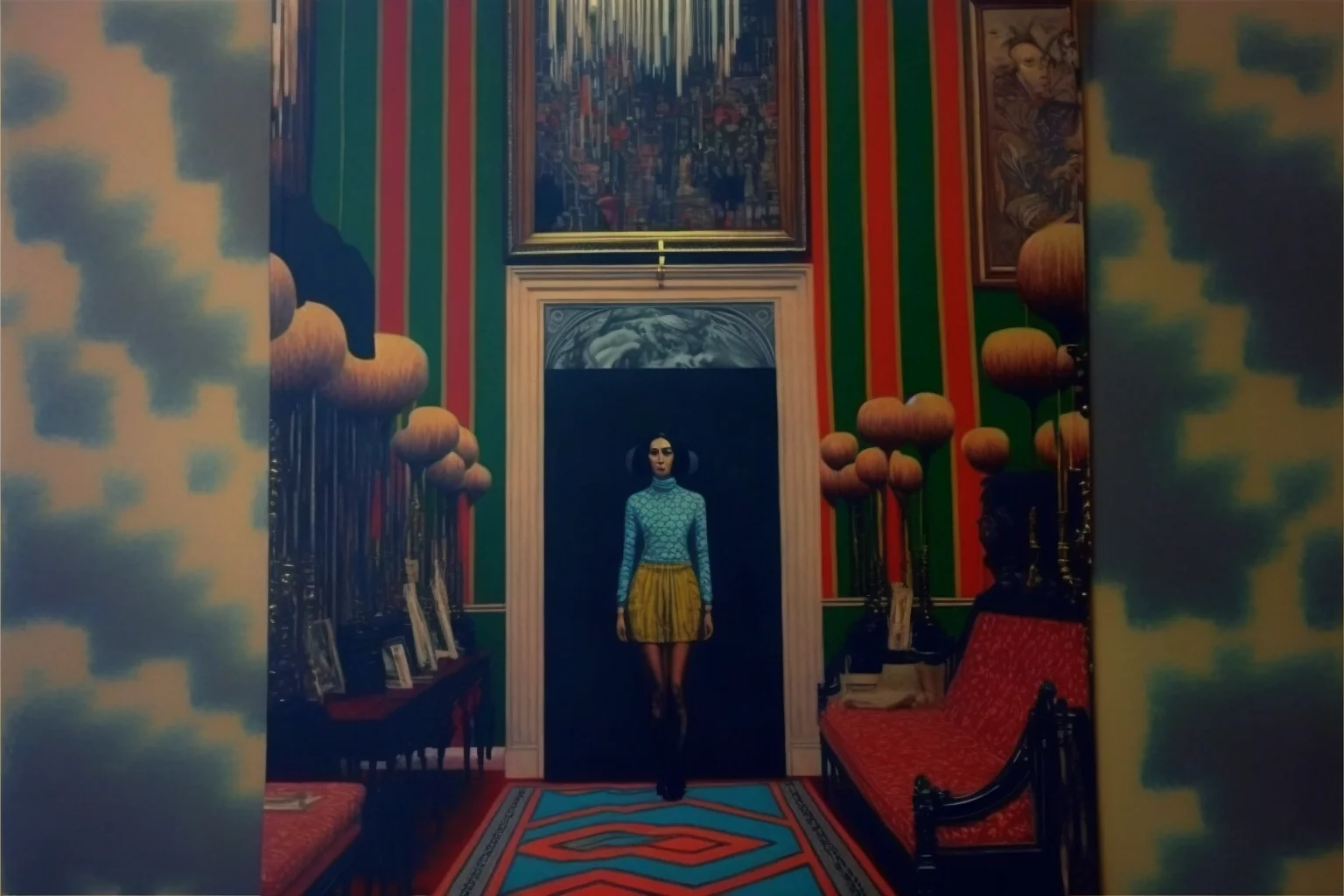
Ask for a slow push-in, a tracking shot, a gentle pan or a fixed view. Connect the camera movement to the event rather than listing several effects together. A simple path helps keep attention on the important subject in your scene.
Create individual shots, then assemble the selected clips in your video editor. Plan an opening, a moment of action and a closing image. Add precise captions, music and brand elements during editing rather than expecting one generated clip to finish the entire production.
HAPPY WAN VIDEO CAPABILITIES
Happy Wan unites the expressive motion of HappyHorse with the structural choreography of Wan, giving video creators a single high-precision engine for physical realism, camera direction, and multi-shot continuity.
| Video Creation Focus | How Happy Wan Handles the Shot | Motion & Lighting Detail | Recommended Workflow |
|---|---|---|---|
| Real-World Physics & Momentum | Continuous force, gravity, and fluid interaction in Happy Wan | Realistic fabric movement, liquid pouring, rain impacts, smoke trails, and natural weight transfer during character motion | High-impact commercial inserts, automotive motion, and dynamic outdoor storytelling |
| Camera Movement & Framing | Intentional camera paths with stable perspective | Controlled dolly-in, tracking follow shots, pan reveals, and focal plane shifts without background warping | Pre-visualization storyboards, dramatic dialogue framing, and product hero reveals |
| Cross-Shot Consistency | Visual locking across references and keyframes in Happy Wan | Maintains consistent facial features, outfit details, product silhouettes, and lighting color temperature across takes | Episodic AI short dramas, multi-angle e-commerce videos, and recurring brand characters |
| Studio Light & Surface Detail | Physically plausible light transport & reflections | Subtle subsurface skin scattering, specular glass highlights, metallic sheen, and twilight atmospheric depth | Beauty & fragrance campaigns, architectural walkthroughs, and sci-fi concept films |
| Audio-Visual Rhythm | Coordinated motion beats and acoustic ambience | Matches visual action timing with environmental soundscapes and expressive performance rhythm | Ready-to-review rough cuts, social video hooks, and narrative short films |
Structure every Happy Wan brief around four practical elements: Subject & Material Texture + Physical Environment Motion + Camera Path & Framing + Lighting & Sound Atmosphere. Clear instructions produce repeatable, cinema-grade takes.
Happy Wan combines lifelike character micro-expressions and surface realism with long-horizon spatial coherence, smooth keyframe transitions, and multi-reference visual control.
New accounts receive 50 welcome credits on first sign-in plus up to 100 weekly check-in credits. Every task displays its exact credit cost before you run it, and reserved credits are automatically returned if a task ever fails.
Create your first cinema-grade 1080p video clip in Happy Wan in four straightforward steps—no local GPU or complex 3D software required.
Describe the subject, physical environment motion, camera path, and lighting mood—or upload starting keyframes and character references.
Choose the ideal generation mode, frame ratio (16:9, 9:16, 1:1), 480p/720p/1080p resolution, clip length, and optional native audio.
Review the exact upfront credit cost in the studio panel and launch your task using welcome credits or your active plan balance.
Watch the finished 1080p video in your asset library, iterate on camera timing with seed control, and export clean files for publishing.
Happy Wan bridges rapid solo ideation and commercial studio delivery with consistent visual quality and transparent credit governance.
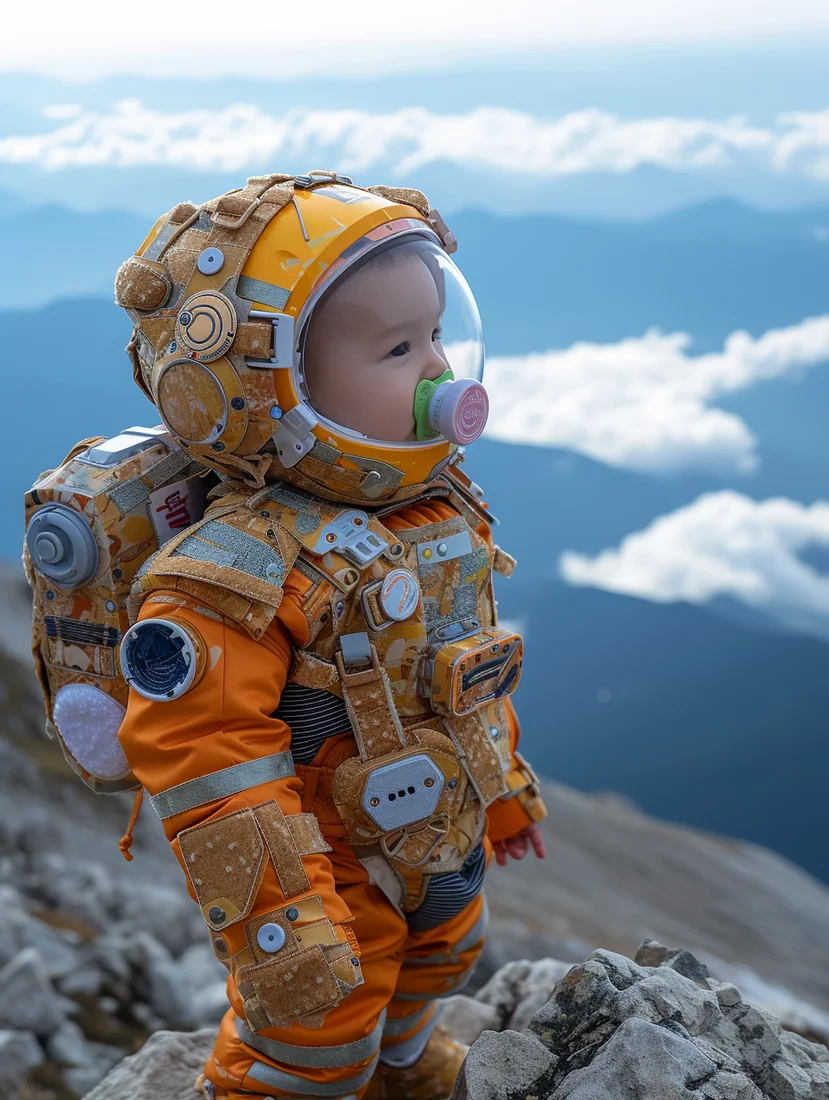
Turn screenplay beats into expressive animatics, test lens choices in minutes, and maintain consistent protagonists across episodic sequences.

Produce scroll-stopping product showcases, localized ad variations, and high-retention vertical videos at a fraction of studio shoot costs.
Control subject, physics, camera path, and lighting in plain language.
Generate still concept frames and animate them in one connected workspace.
Upfront quotes plus automatic full credit return if a system task ever fails.
Start free with 50 welcome credits plus up to 100 weekly check-in credits, then scale with monthly plans, discounted annual tiers, or one-time credit packs.
Billed once per year. Monthly equivalent and annual total are shown below.
It is the video creation workspace in Happy Wan. Bring a text brief or reference picture, select a video model and set its supported parameters. Current choices include Wan 3.0, Wan 3.0 Prime and HappyHorse 1.1 with a separate reference option.
Yes. Describe the subject, setting and main action, then add camera and style. A Happy Wan video prompt is easier to direct when it focuses on one visible event rather than a sequence of unrelated scene changes.
Choose image input and upload a supported picture. Describe the motion that should follow the opening image. A portrait might use a subtle head turn; a product shot might use a slow camera reveal that keeps the shape readable.
Wan 3.0 · Wan 3.0 Prime · HappyHorse 1.1 · HappyHorse 1.1 Reference
They expose different reference modes, durations, resolutions and optional controls. Choose according to the input you have and the scene you want to create. The workspace shows the supported options and current credit quote for the selected model.
Supported reference modes accept multiple pictures within their own limits. Keep the references relevant and explain the role of each. The HappyHorse reference option is separate from its single-image workflow; Wan also provides ingredients and frame-based options.
Describe one camera direction, such as a slow push-in or a follow shot. Add the purpose of that move: revealing texture, showing a location or staying with a character. The result still needs review before it is used in a final edit.
Wan’s audio control can be selected where available. Describe the intended voice, dialogue or environment in the prompt. Audio support depends on the selected model; writing a sound instruction does not give every model the same audio capability.
Use the options shown by the selected model. Available ranges differ between Wan and HappyHorse. Duration and resolution affect the displayed quote, so confirm both values before submitting a Happy Wan video task.
Account rewards follow the published rules and the selected model’s eligibility. Video cost depends on the configuration, and free credits do not imply unlimited clips. Check your available balance, membership requirements and the quote before starting.
You can begin by writing a scene or uploading an opening picture. For a longer Happy Wan video project, assemble the selected clips in an editor and add subtitles, transitions and music. Review every clip for continuity before combining them.
Open the Happy Wan video workspace with 50 free welcome credits—turn your script or reference still into cinema-grade motion today.