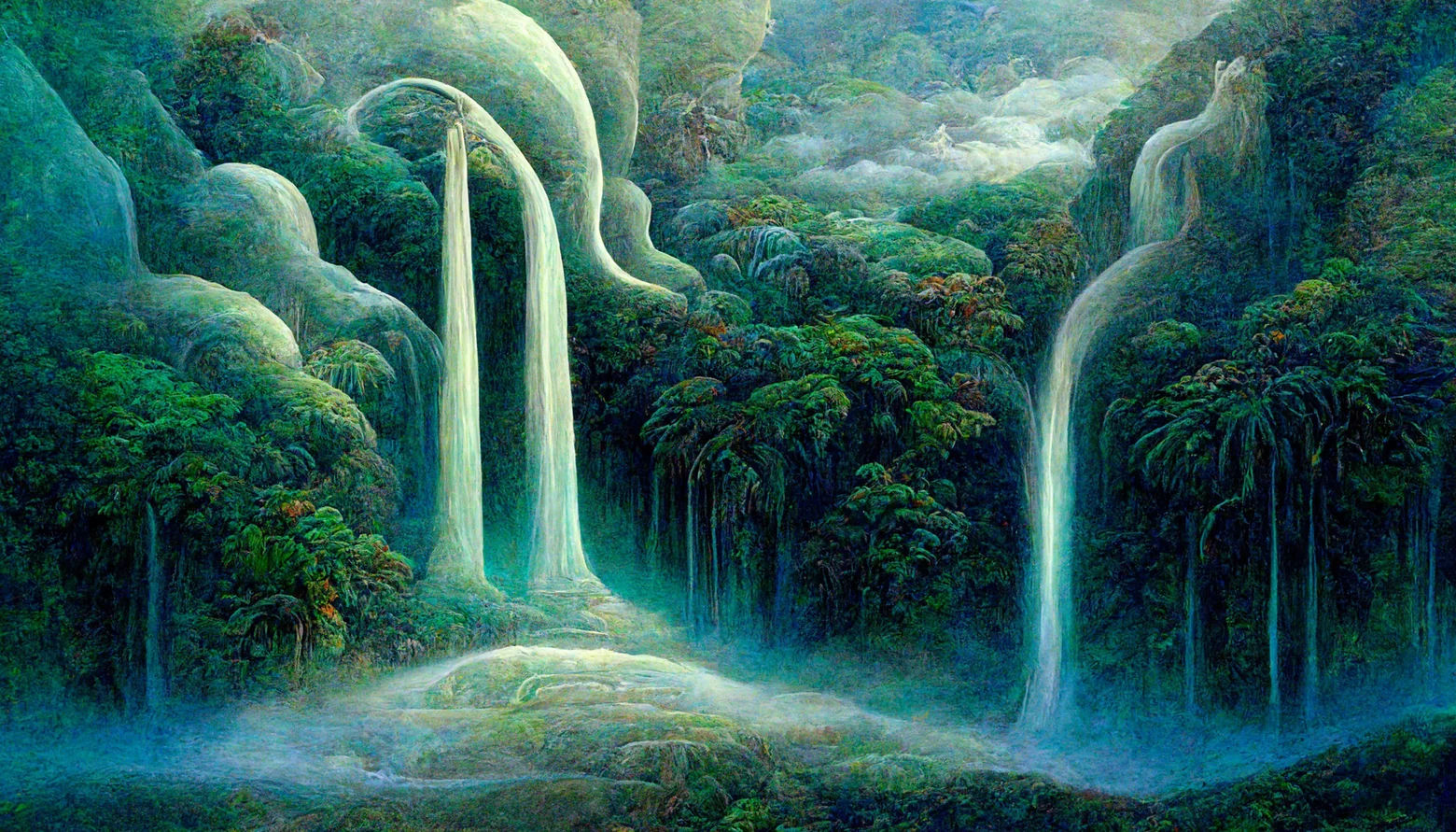
Text to image
Describe what belongs in the scene, where it sits and how it should feel. Happy Wan image creation starts with a readable subject and a small set of useful details. Add materials, lighting and composition after the main idea is clear.
Claim 50 free credits · Check in for up to 100 weekly

Describe your idea|
HAPPY WAN IMAGE STUDIO
Combine precise lighting control, reference-guided identity locking, and multi-aspect framing inside one browser-based Happy Wan studio.
Happy Wan Image Studio is an online AI text-to-image and reference-guided visual workspace built for studio-grade optical lighting, lifelike micro-textures, and animation-ready storyboard keyframes.
Image creationDescribe what belongs in the scene, where it sits and how it should feel. Happy Wan image creation starts with a readable subject and a small set of useful details. Add materials, lighting and composition after the main idea is clear.
Upload a picture to guide the next variation. Explain what Happy Wan should preserve and what should change: the product silhouette, the character clothing, the background or the color treatment. A reference is visual guidance rather than a promise of exact reproduction.
Plan expressions, clothing and background together. For a Happy Wan image portrait, describe a believable pose and a clear light source. Compare the eyes, hands and fine details before selecting a result for a public campaign.
Explore studio portraits, luxury product photography, and concept art frames. Open any example to inspect its prompt structure and adapt it to your own visual brief.
Create campaign visuals, character concepts and product scenes, ready to take into your next design or video.
Explore campaign key visuals, lifestyle scenes and presentation images. Create different directions for a launch, then bring the chosen look into your layouts with your own brand typography and messages.
Give a script a visual starting point with location studies, character portraits and storyboard frames. Bring selected images into the video workspace when you are ready to explore movement.
Combine precise lighting control, reference-guided identity locking, and multi-aspect framing inside one browser-based Happy Wan studio.
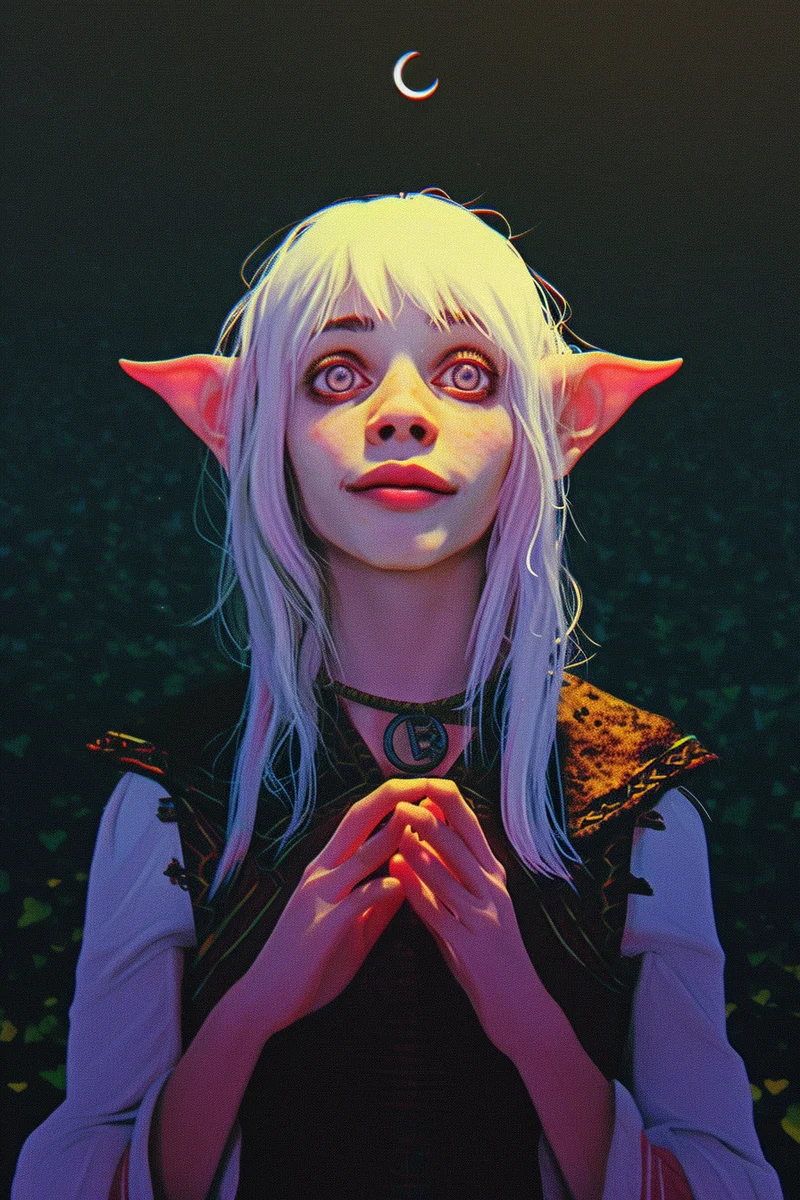
Describe what belongs in the scene, where it sits and how it should feel. Happy Wan image creation starts with a readable subject and a small set of useful details. Add materials, lighting and composition after the main idea is clear.
Upload a picture to guide the next variation. Explain what Happy Wan should preserve and what should change: the product silhouette, the character clothing, the background or the color treatment. A reference is visual guidance rather than a promise of exact reproduction.
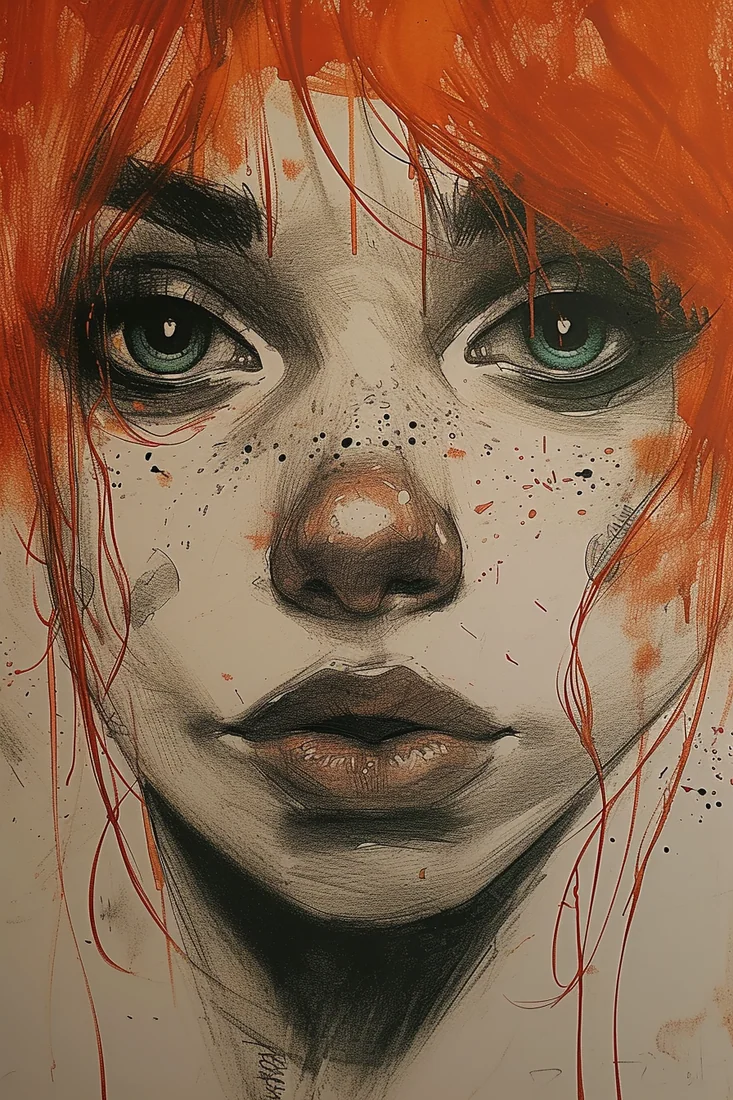
Plan expressions, clothing and background together. For a Happy Wan image portrait, describe a believable pose and a clear light source. Compare the eyes, hands and fine details before selecting a result for a public campaign.
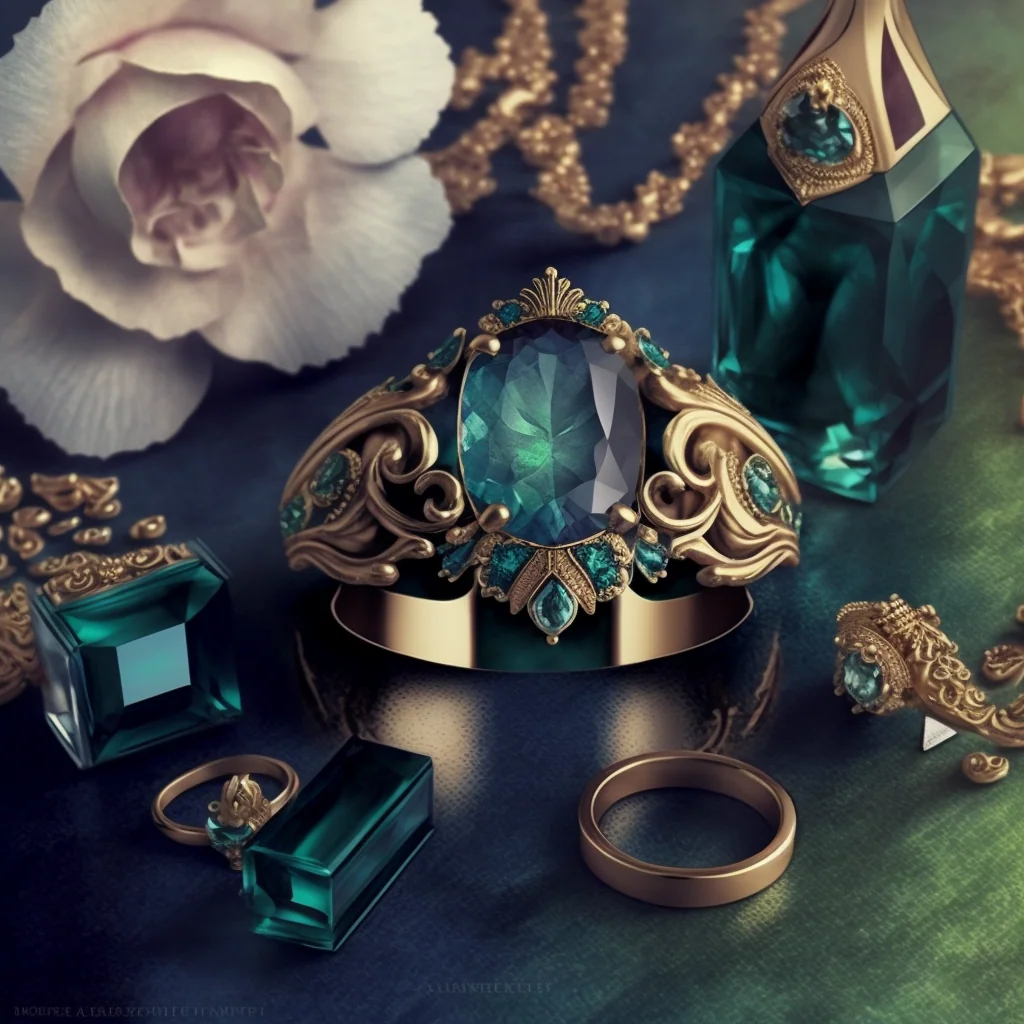
Explore a new setting for a product or sketch the direction of an advertisement. Keep the important material, shape and framing in the prompt. Add exact brand lettering and final layout in your design editor after checking the selected image.
Choose a square, portrait or landscape frame to match the destination. The selected model exposes its supported resolution and format in the workspace. Confirm the settings and displayed credit quote before submitting a Happy Wan image task.
Use an image as a starting composition for a later video. Download your selected Happy Wan image, open video creation and upload it as a reference. Describe one motion that adds to the scene while preserving its central subject.
STUDIO IMAGE CAPABILITIES
Before a camera moves, every memorable film begins with an unmistakable frame. Our image studio delivers studio-grade optical lighting, fine material textures, and consistent character concepts ready for commercial design or video animation.
| Still-Frame Dimension | Studio Visual Control | Lighting & Texture Detail | Creative & Commercial Output |
|---|---|---|---|
| Studio & Natural Lighting | Directional light, rim glow & volumetric shadow control | Golden-hour backlight, softbox product illumination, dramatic chiaroscuro, and neon reflections | Key visual posters, luxury product photography, and cinematic mood boards |
| Surface & Material Detail | High-frequency micro-surface texture synthesis | Crisp woven fabric, translucent glass, brushed aluminum, natural skin pores, and botanical details | E-commerce hero images, packaging concepts, and tactile industrial design studies |
| Character & Product Consistency | Reference-guided visual identity locking | Preserves facial proportions, costume design, color palettes, and object geometry across variations | Character sheets for animation, multi-scene ad campaigns, and brand visual systems |
| Editorial Composition & Ratios | Multi-aspect ratio spatial framing balance | Clean negative space for typography, balanced foreground-background depth, and cinematic 16:9 or 9:16 framing | Social media covers, campaign banners, and presentation concept art |
| Still-to-Video Handoff | Animation-ready first frames and keyframe assets | Produces structurally coherent still frames that transition directly into smooth camera and subject motion | End-to-end storyboard-to-video pipelines inside the same creative ecosystem |
Structure every Happy Wan brief around four practical elements: Subject & Material Texture + Physical Environment Motion + Camera Path & Framing + Lighting & Sound Atmosphere. Clear instructions produce repeatable, cinema-grade takes.
Happy Wan combines lifelike character micro-expressions and surface realism with long-horizon spatial coherence, smooth keyframe transitions, and multi-reference visual control.
New accounts receive 50 welcome credits on first sign-in plus up to 100 weekly check-in credits. Every task displays its exact credit cost before you run it, and reserved credits are automatically returned if a task ever fails.
Generate commercial-ready still visuals and video keyframes in Happy Wan in three clear steps.
Describe your subject, material texture, lighting direction, and composition—or upload reference images in the Happy Wan image workspace.
Select portrait, widescreen, or square framing and 1K–2K resolution, then verify the real-time credit cost before running.
Inspect fine details in your library, download clean files for design layout, or carry the frame into the Happy Wan video studio to animate.
Create campaign visuals, character concepts and product scenes, ready to take into your next design or video.
Create cover images, post artwork and visual series for social channels. Develop a recognizable mood across a campaign, then finish the exact captions and layouts in your design editor.
Explore character designs, imagined environments and key moments before building final assets. Use the images to communicate atmosphere and composition with artists, animators and your team.
Happy Wan Image Studio turns written scene briefs and reference photos into crisp 1K–2K visuals with directional studio light, natural shadows, glass refraction, and fine fabric or skin detail—ideal for commercial campaigns and concept design.
Every portrait, product shot, or environment frame created in Happy Wan maintains coherent spatial perspective so you can send your chosen still straight into the video workspace for smooth camera and subject motion.
Start free with 50 welcome credits plus up to 100 weekly check-in credits, then scale with monthly plans, discounted annual tiers, or one-time credit packs.
Billed once per year. Monthly equivalent and annual total are shown below.
It is the image creation workspace in Happy Wan. Use text or reference pictures to design still frames, select model settings and manage tasks. Image creation defaults to Qwen Image 2.1 and includes Qwen Image 3.0, Qwen Image 3.0 Pro, Qwen Image Edit and Seedream 5.0 Flash, while the video studio provides dedicated Wan and HappyHorse video models.
Yes. Describe a subject, environment and visual direction, then select text input. You do not need a starting photograph for a Happy Wan image brief. A concise prompt with a clear main idea is a useful first draft.
Choose image input and upload a picture you are entitled to use. Explain the intended changes and the elements to retain. Check the selected model’s upload controls for supported file types, dimensions and reference limits.
Wan 3.0 · Wan 3.0 Prime · HappyHorse 1.1 · HappyHorse 1.1 Reference
Use the resolution options exposed by your selected model in Happy Wan. Qwen Image 2.1 and Qwen Image 3.0 Pro support 1K and 2K outputs, while Seedream 5.0 Flash offers 1K, 1.5K and 2K. Choose a frame that fits your destination and inspect the final image at full size.
The image model provides a multi-reference input. Keep each reference relevant and explain its role, such as product shape, character appearance or background mood. The workspace enforces the current file-count and upload limits.
Describe materials, palette, light and composition. Photographic, illustrated and graphic directions benefit from specific visual language. If a Happy Wan image feels inconsistent, simplify the brief and remove instructions that pull the scene in different directions.
The workspace displays the quote for the selected model and supported settings before submission. Account rewards and plan eligibility follow the displayed rules. Free credits do not mean unlimited generation or guaranteed access to every setting.
Yes, use the separate video workspace. Download the chosen image, upload it there and describe how the subject or camera should move. The supported duration, reference mode and output settings depend on the selected video model.
Review hands, faces, fine textures and any visible lettering. Check that you have the necessary permissions for your inputs and intended use. Add exact product claims, legal copy and brand typography in your final design process.
You can begin with a plain-language description. For polished campaigns, export the selected Happy Wan image to your editor and refine typography, cropping and layout. Keep the original brief so future visuals can follow the same direction.
Claim your 50 free welcome credits on first sign-in and create crisp portraits, product visuals, and storyboard keyframes in Happy Wan today.